
Can Replit Build a WordPress Plugin?
Yes, Replit can build a WordPress plugin, because it fully supports PHP, JavaScript, CSS, and HTML, which are the exact languages every WordPress plugin is made of. With the release of Agent 4 in 2026, Replit can now write plugin code faster than ever, scaffold the correct folder structure, and even generate working hooks and […]
How to Remove the Add to Cart Button in WooCommerce
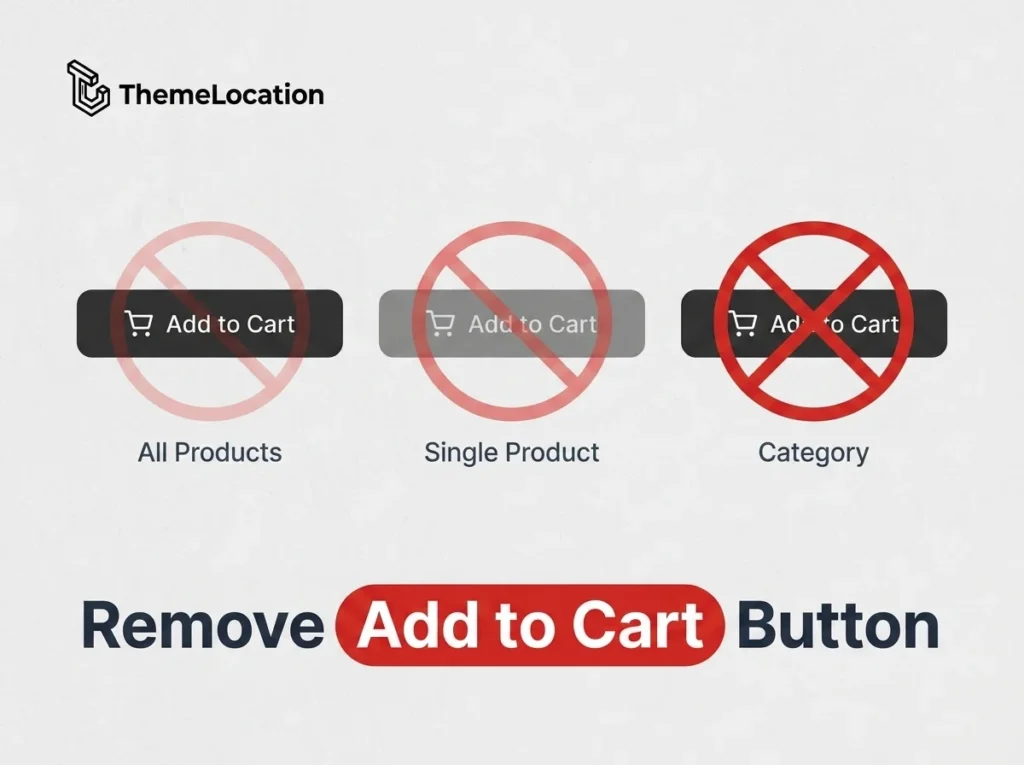
There are many reasons you might want to remove the Add to Cart button from your WooCommerce store. Maybe you’re using WooCommerce as a product catalog without online sales, or you need customers to contact you before ordering, or certain products require a quote instead of direct purchase. In this tutorial, we’ll cover multiple methods: […]
How to Add Custom Fields to the WooCommerce Registration Form
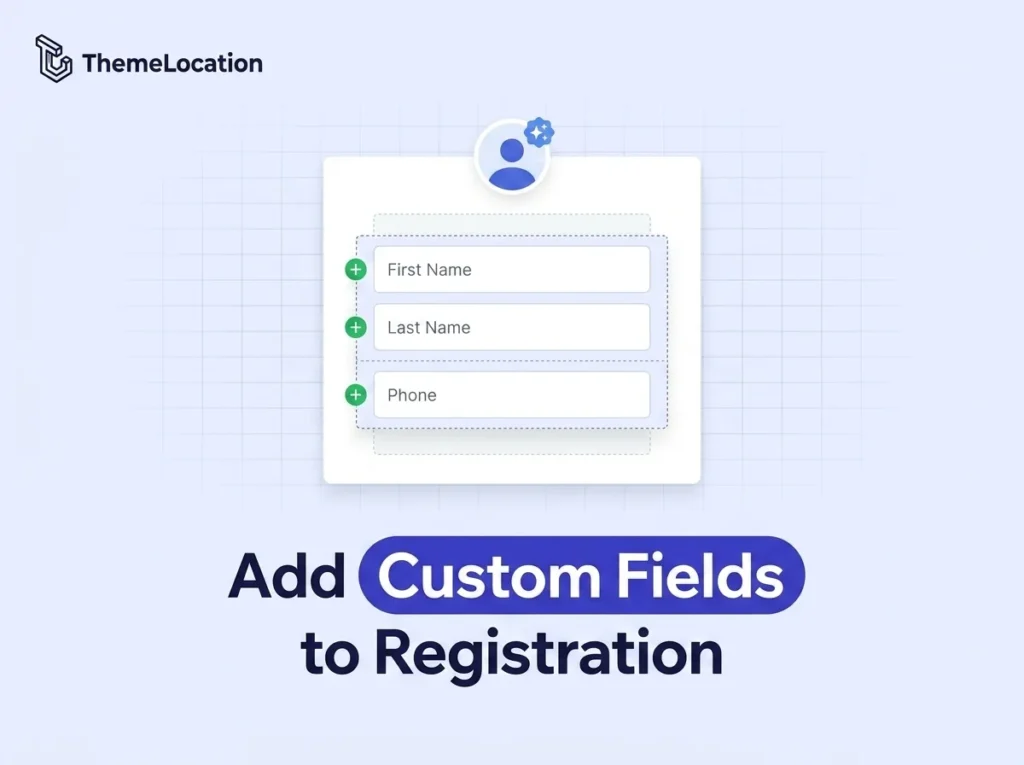
By default, the WooCommerce registration form on the My Account page only asks for an email address and password. While this keeps registration fast, many store owners need additional information like first name, last name, and phone number to personalize the shopping experience and streamline checkout. In this tutorial, we’ll show you how to add […]
WordPress Business Directory Plugins. A Hands-On Comparison
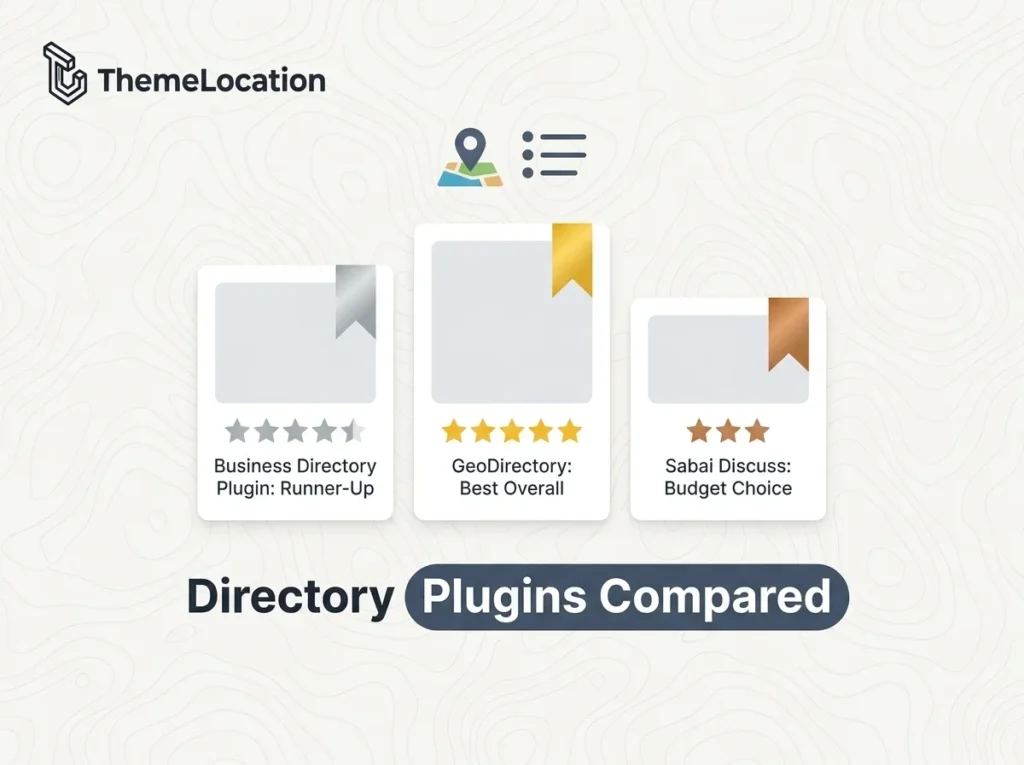
Business directories have existed long before the internet, remember the Yellow Pages? The concept is the same today: listings of professionals and businesses, sorted by category and location, accessible on any device. The best business directories are multi-million dollar businesses (think Yelp or Booking.com), and the good news is that you can build your own […]
How to Display Checkout Payment Options as Dropdown in WooCommerce
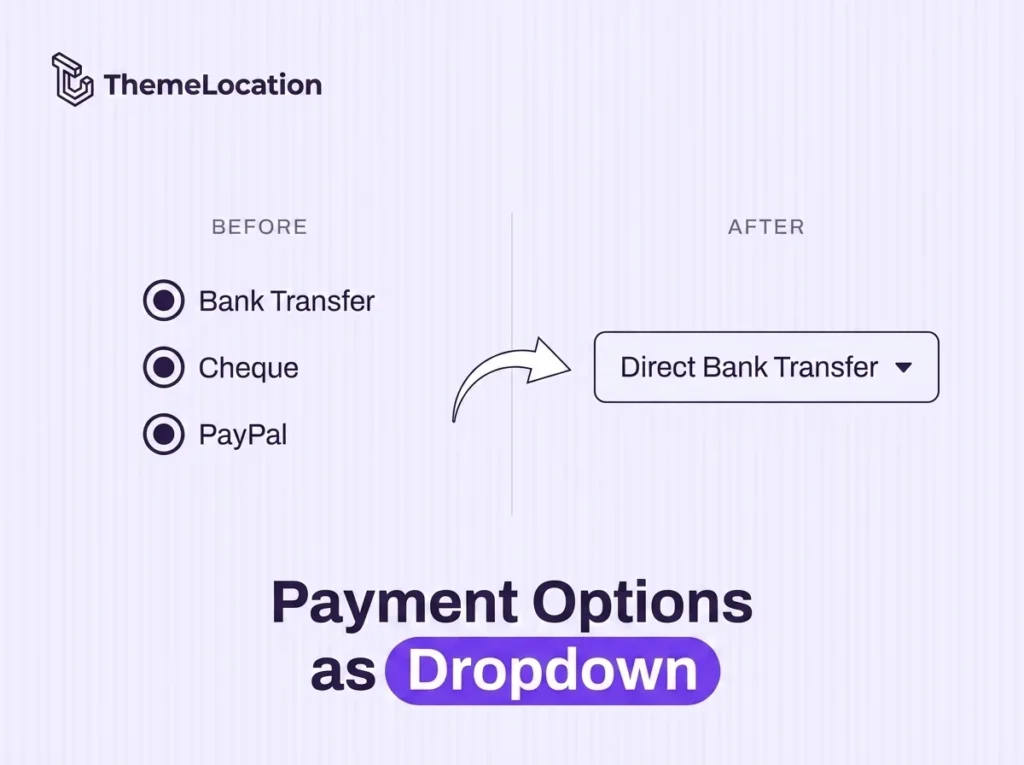
By default, WooCommerce displays payment methods on the checkout page as radio buttons. Each option shows its title, icon, and description in a stacked list. While this works fine for stores with two or three payment gateways, it can make the checkout page look cluttered if you have more options. In this tutorial, we’ll replace […]
How to Allow Customers to Edit Already Placed Orders in WooCommerce
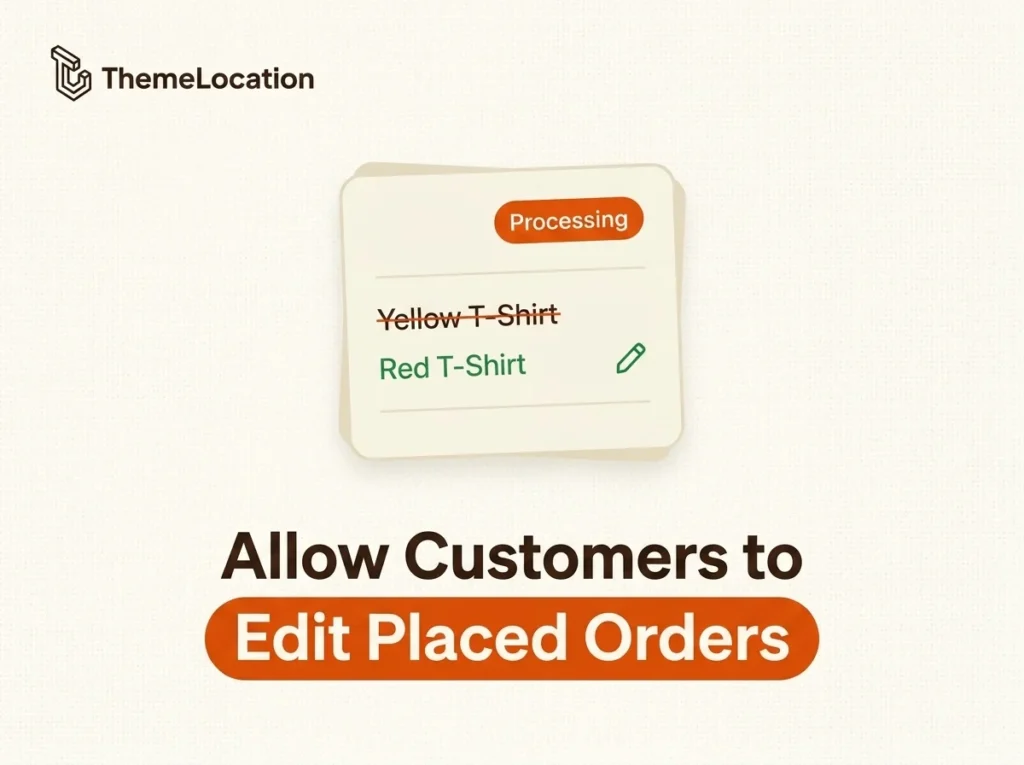
One of the biggest hesitations customers have about buying online is the fear that once an order is placed, they can’t make changes. What if they ordered the wrong size? What if they want to swap a color? In a physical store, making a change before checkout is effortless but online, it often means contacting […]
How to Customize the Comment Form in WordPress
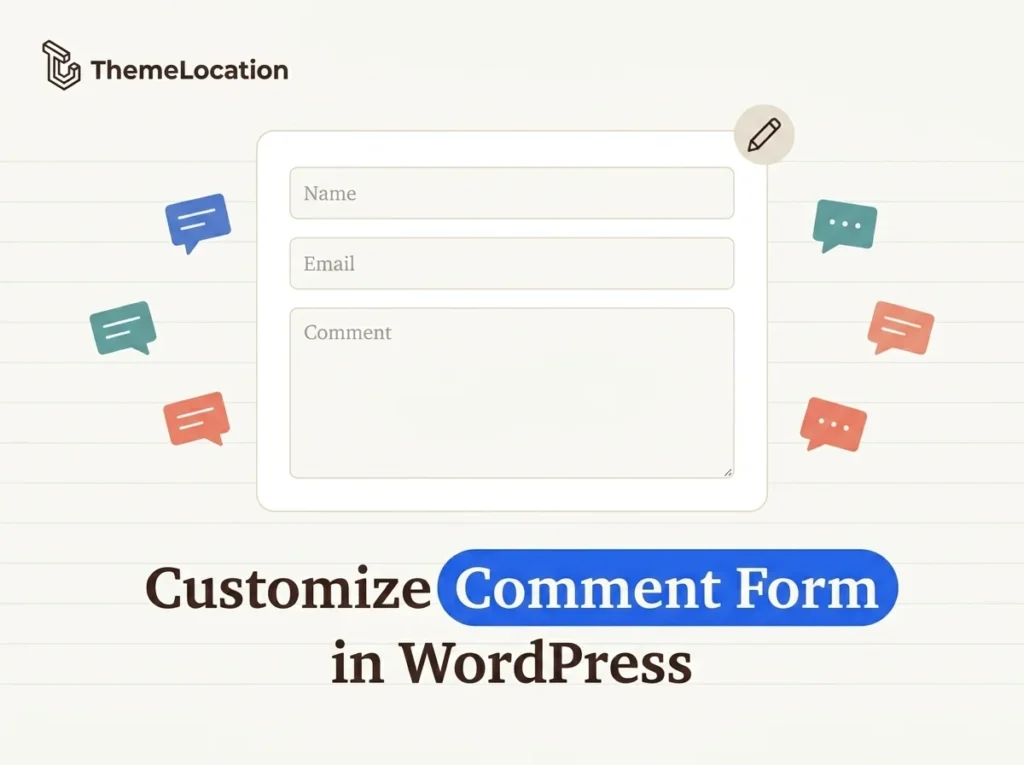
The comment system is a core part of any WordPress blog or website. A well-designed comment form encourages engagement, builds community, and can even help with SEO. Whether you want to change the form layout, add custom fields, block spam, or replace the entire system, WordPress gives you several ways to do it. In this […]
How to Hide the In Stock Message From WooCommerce Products
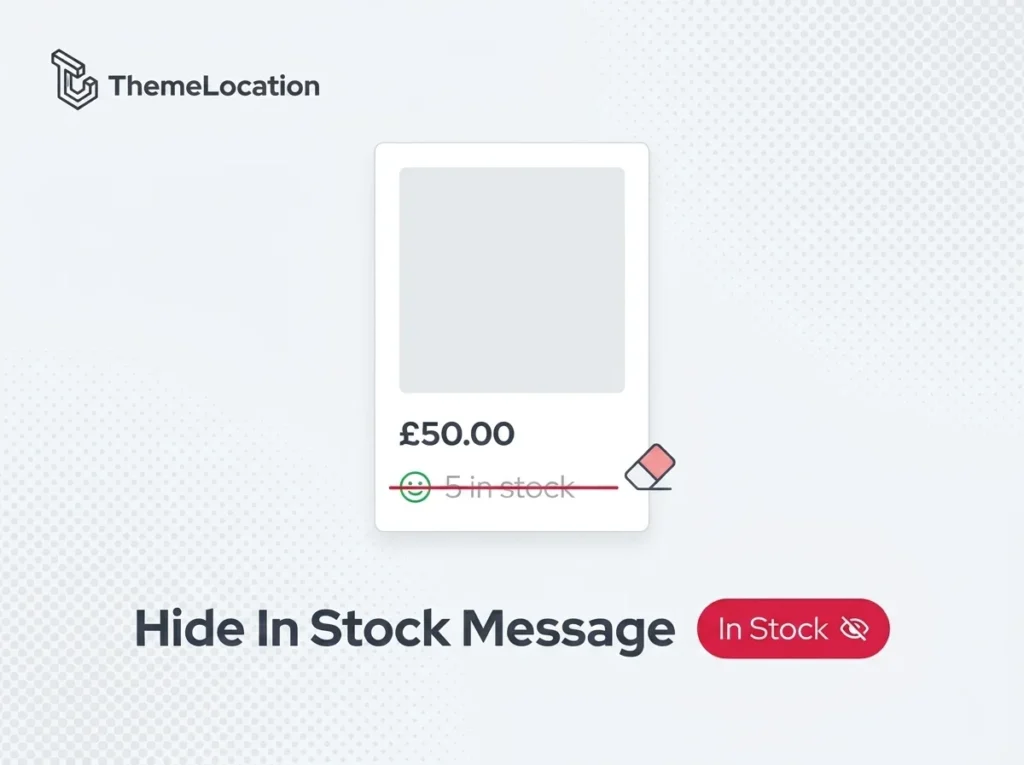
WooCommerce displays a stock availability message on product pages — showing text like “5 in stock” when inventory is managed. While this is useful in some cases, many store owners prefer to hide it. You might not want competitors seeing your stock levels, or you may simply want a cleaner product page layout. In this […]
How to Open External/Affiliate Product Links in a New Tab in WooCommerce

WooCommerce lets you create external/affiliate products, items that are listed on your store but sold on another website like Amazon, eBay, or a partner’s site. When a customer clicks the “Buy Product” button, they’re redirected to the external URL. The problem? By default, WooCommerce opens these external links in the same browser tab. This navigates […]
Show If a Product Is Already in Cart in WooCommerce
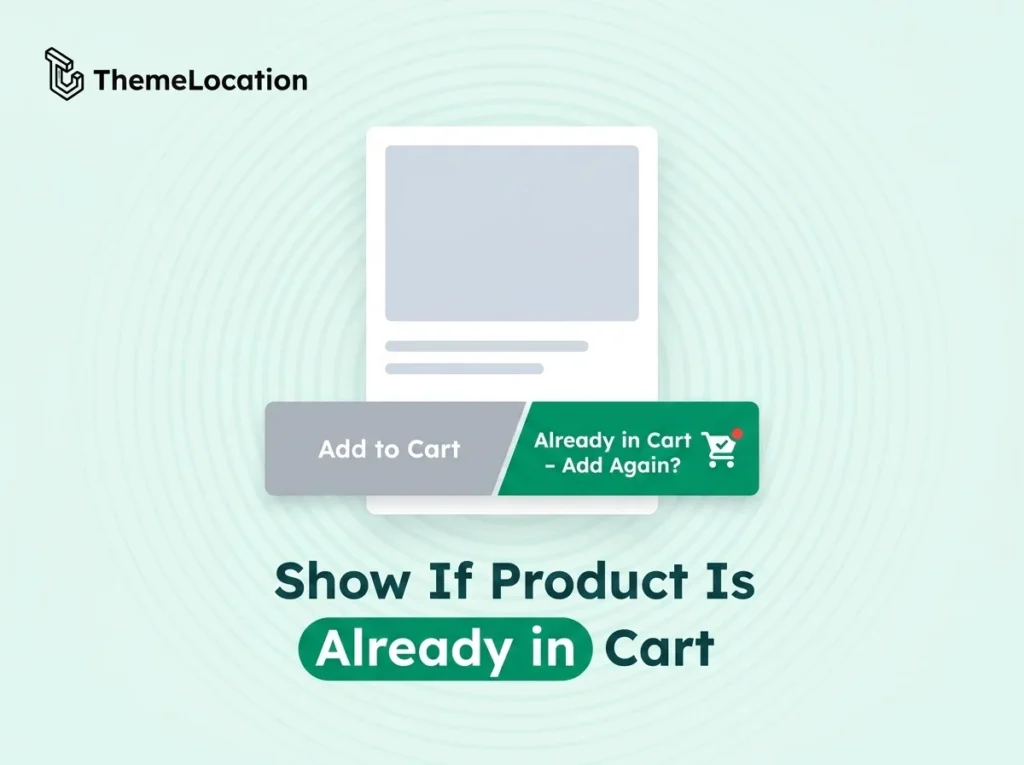
When a customer adds a product to their cart in WooCommerce and then returns to the same product page, the Add to Cart button still shows the same default text. There’s no visual indication that the product is already in the cart. This can lead to duplicate additions and a confusing shopping experience. In this […]
How to Add Quantity Field on WooCommerce Archive Product Page
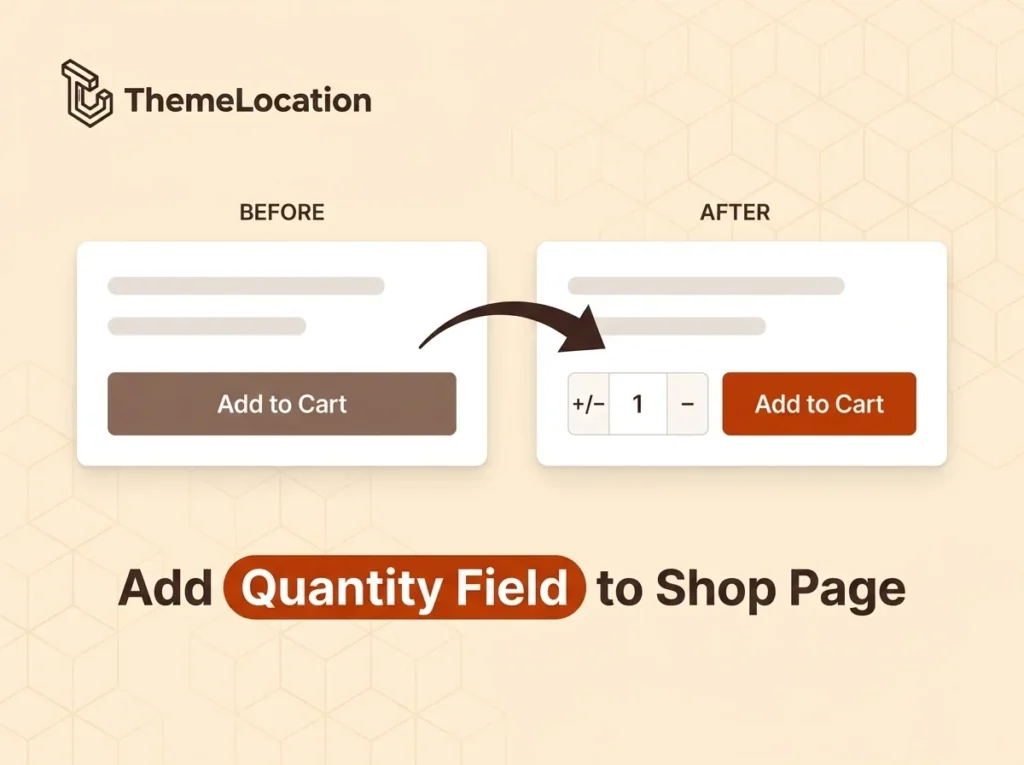
By default, WooCommerce only shows an “Add to Cart” button on shop and category archive pages. There’s no quantity field — each click adds exactly one item. If a customer wants to add multiple units of the same product, they have to click the button repeatedly or go to the individual product page. In this […]
How to Search a Post in WordPress Using Its Attachment
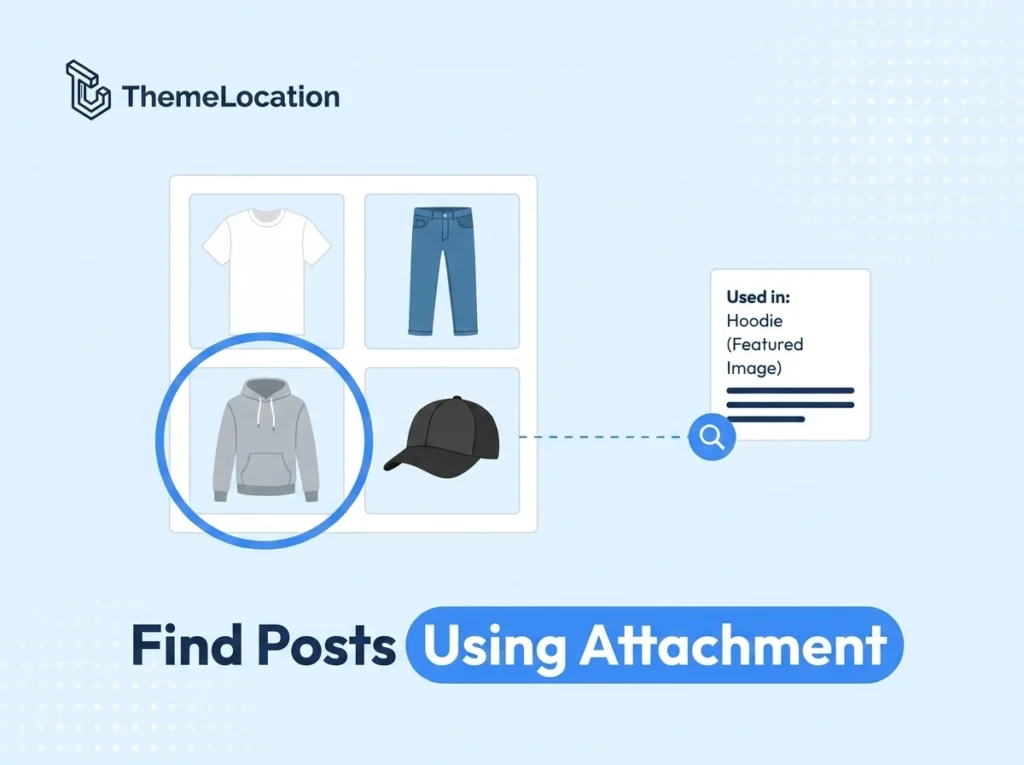
Ever uploaded an image to your WordPress Media Library and wondered which posts or pages actually use it? By default, WordPress doesn’t make it easy to trace an attachment back to the content it’s used in. This can make media management frustrating — especially when you want to update, replace, or delete images without breaking […]