
How to Customize Style for Products of a Specific Category in WooCommerce
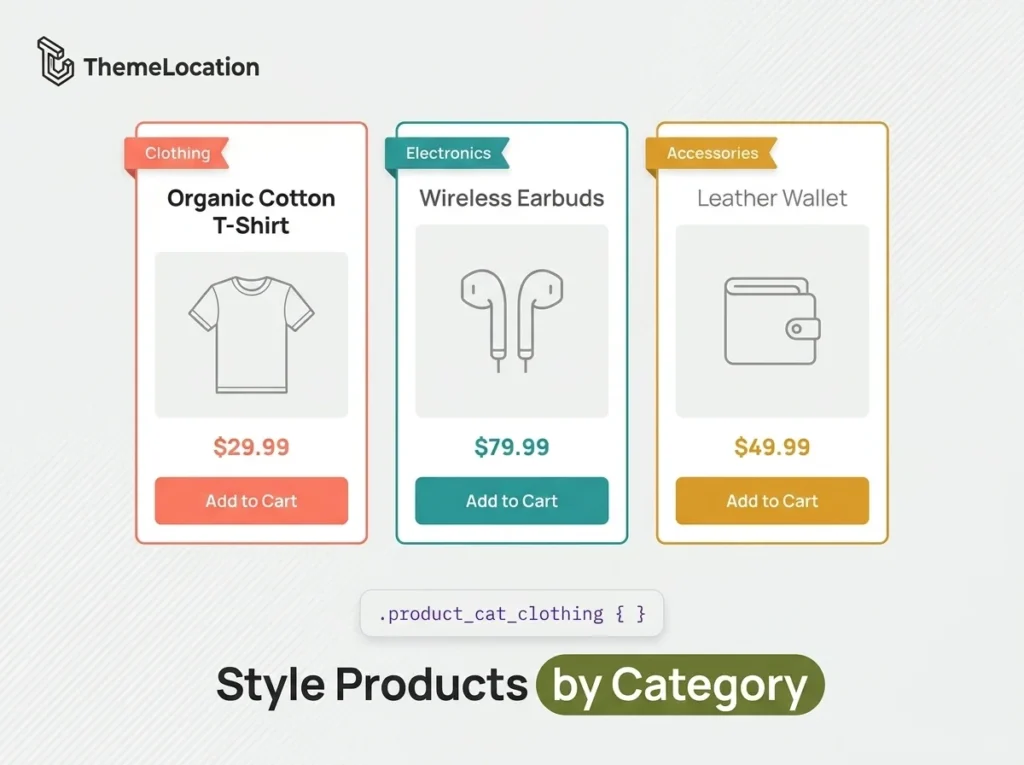
By default, all WooCommerce product pages share the same styling. The <body> tag on a product page includes generic classes like single-product and a post-ID class like postid-37, but there’s no class that identifies which product category the product belongs to. This means if you want to style products from a specific category differently — […]
How to Add Email Recipients on Order Completion in WooCommerce
By default, WooCommerce only sends order completion emails to the customer and the store admin. But many store owners need additional people to receive these notifications — a fulfillment manager, an accountant, a business partner, or an external shipping service. In this tutorial, we’ll show you how to add extra email recipients to the WooCommerce […]
How to Display Number of Items in Cart and Cart Total in WooCommerce
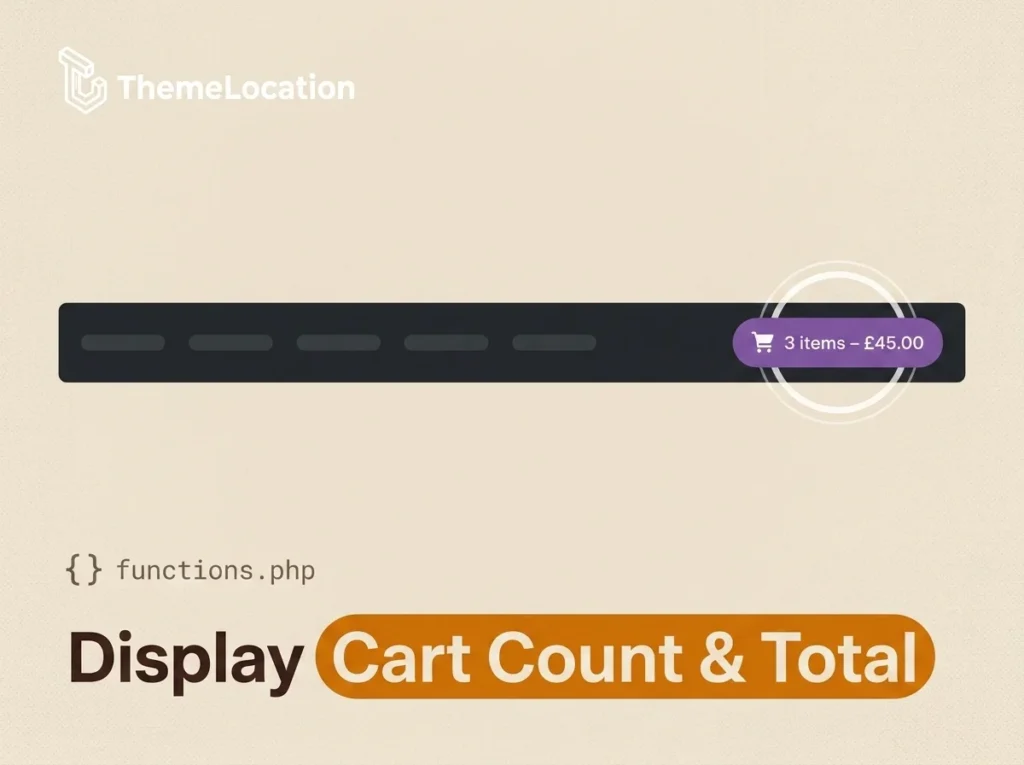
Many WooCommerce store owners want to display the cart item count and total amount prominently — in the navigation bar, a header widget, or anywhere else on the page. This gives customers a quick summary of their purchase without needing to open the cart page. While some WordPress themes include this feature built-in, many don’t. […]
How to hide subcategory products from main category in Woocommerce?
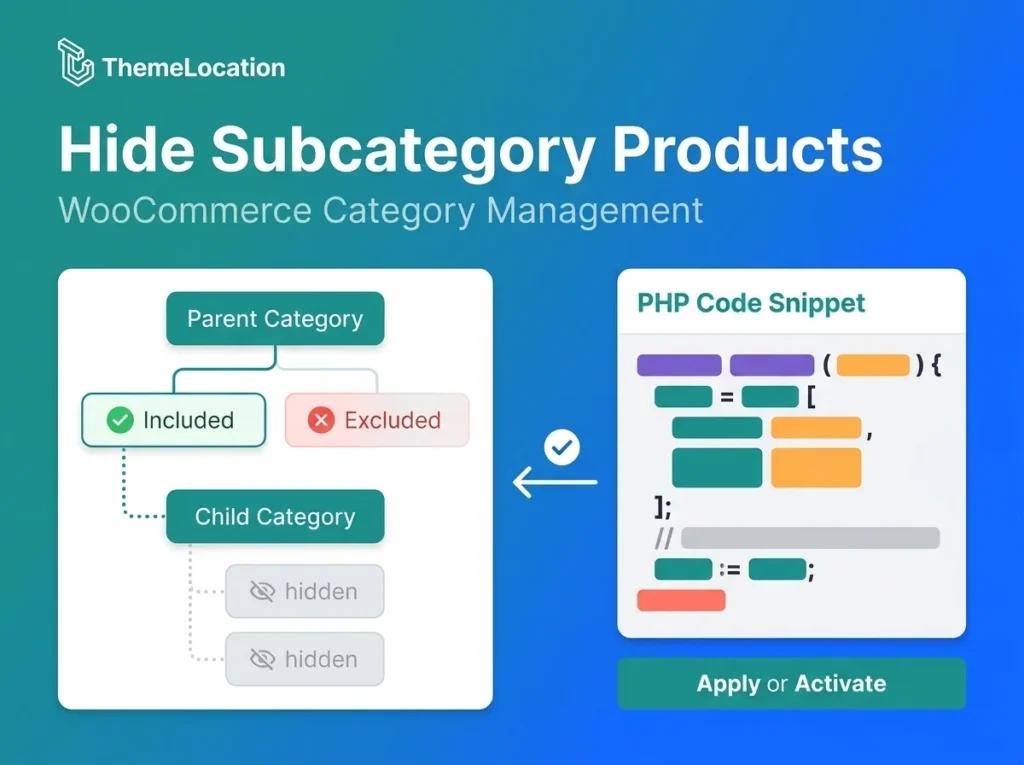
In this tutorial; We will learn how to hide subcategory from main category page in woocommerce. To do this, We will need to create/add two products and assign them to parent and child categories. I’ve assigned two products, one to the parent category i.e. category 1 and the other to the child category i.e. category […]
How to display item category in admin Orders page WooCommerce
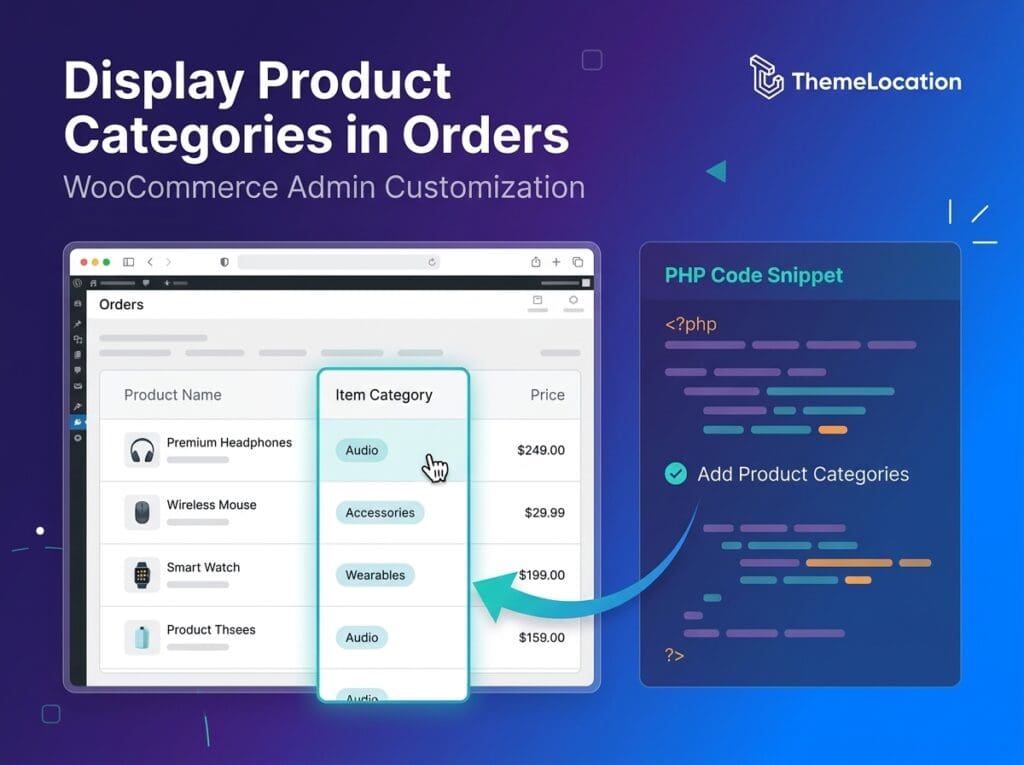
WooCommerce offers you the possibility to sort your products into product categories. Product categories, then, are displayed in WooCommerce archives on the dashboard and are also visible in the shop frontend. Users can search products according to their categories. However, in the WooCommerce -> Orders screen, the product category is not displayed by default; only the product name and […]
How to Customize Footer in Canvas Theme
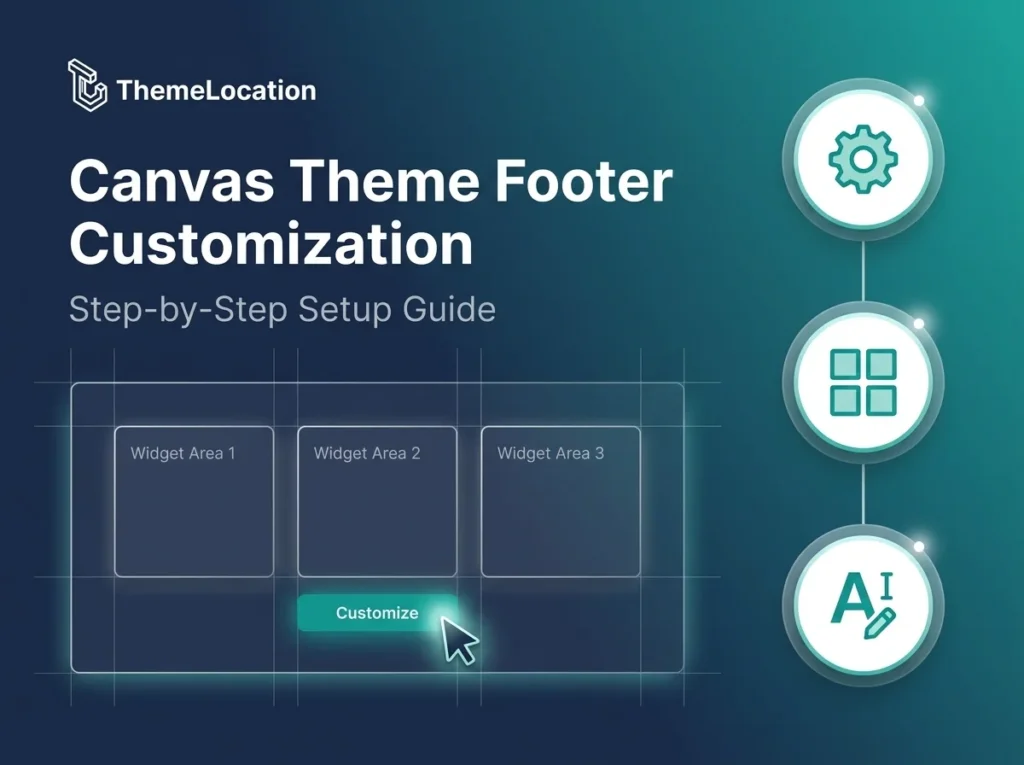
Canvas framework is different to most of other themes as Canvas is Very User Friendly. It allows you to set general styling and layout as well as styling for each section of your website like (posts, pages, widgets, header, typography and more). Please Follow the Simple Steps to Customize Footer: Step 1 Go to Canvas […]
How to Add Login/Logout Links to Menu in WooCommerce
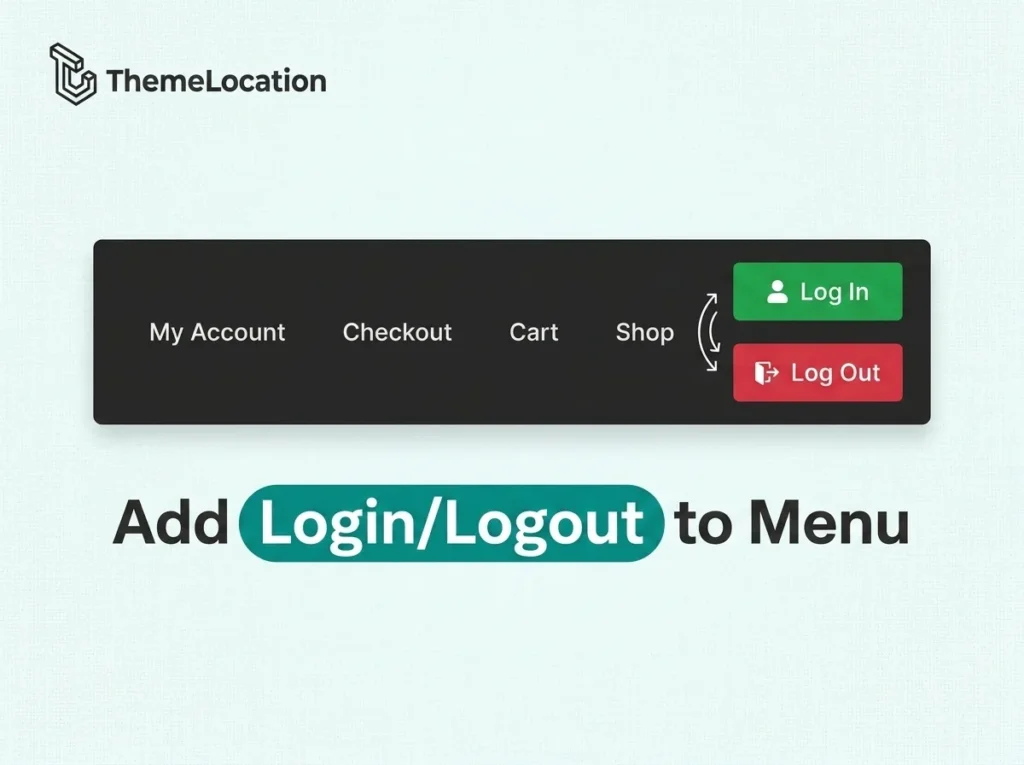
WooCommerce creates a My Account page for customer registration and login, but it doesn’t automatically add a dynamic login/logout link to your site’s navigation menu. Customers have to navigate to the My Account page manually to log in or out. In this tutorial, we’ll show you how to dynamically add a “Log In” link to […]
How to Allow Only Local Pickup For Order in WooCommerce
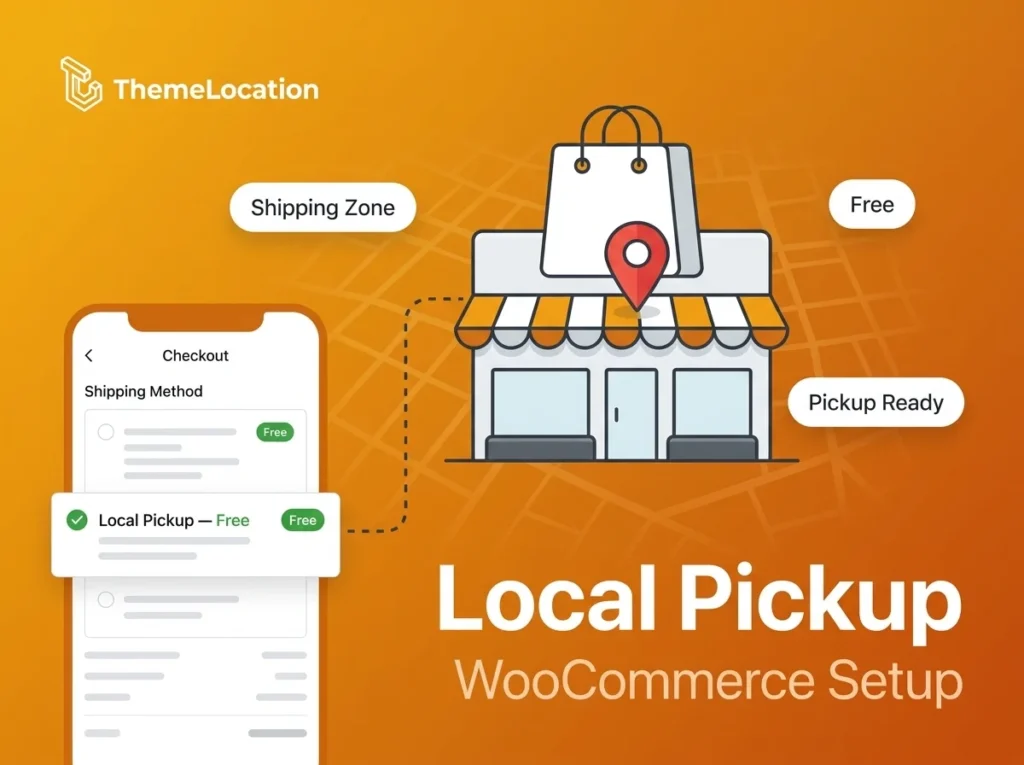
Trying to find a way to mark the entire order, a single product, or a group of products for local pickup OR in-store pick-up WooCommerce? The nature of your eCommerce Store, lack of delivery solutions or the size/weight of your product might call for local pickup only so that you can minimize costs for both […]
How to Change the Sale badge text in WooCommerce ?
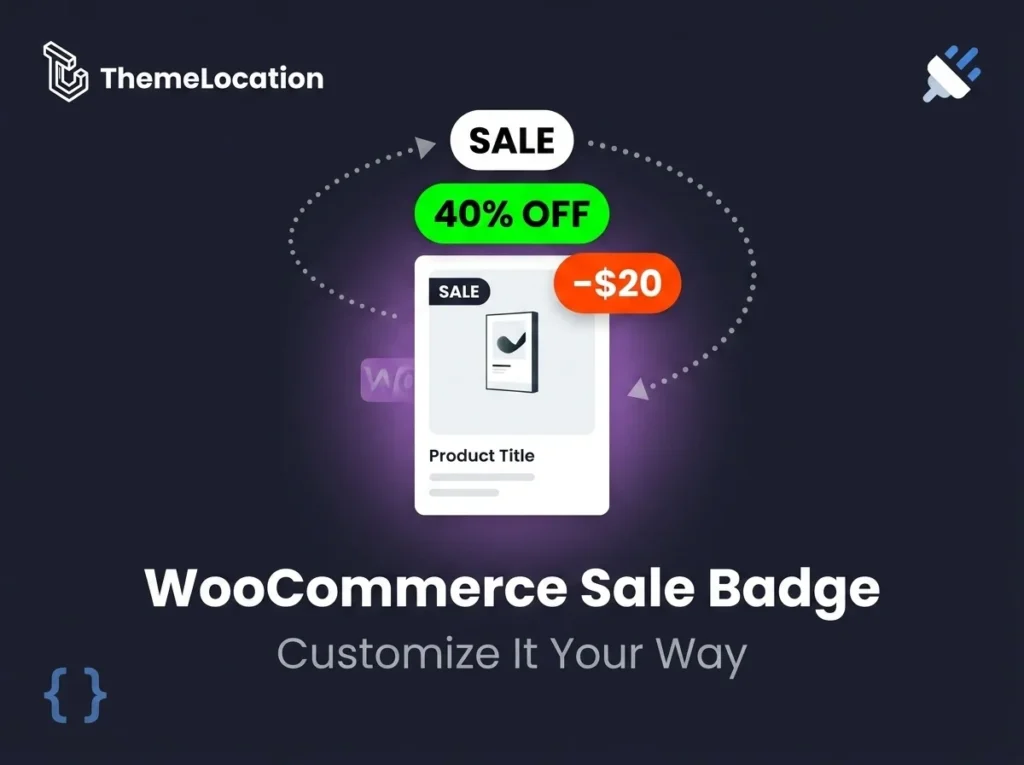
Do you have some items on sale on your e-shop? Great, this is a great way to highlight certain products and to attract more customers. Let’s see the various ways you can use the WooCommerce sales badge in your store to promote your products on sale. In this article, we will explore the Sales badge, used by […]
How to restore stock automatically for cancelled and refunded orders in Woocommerce?
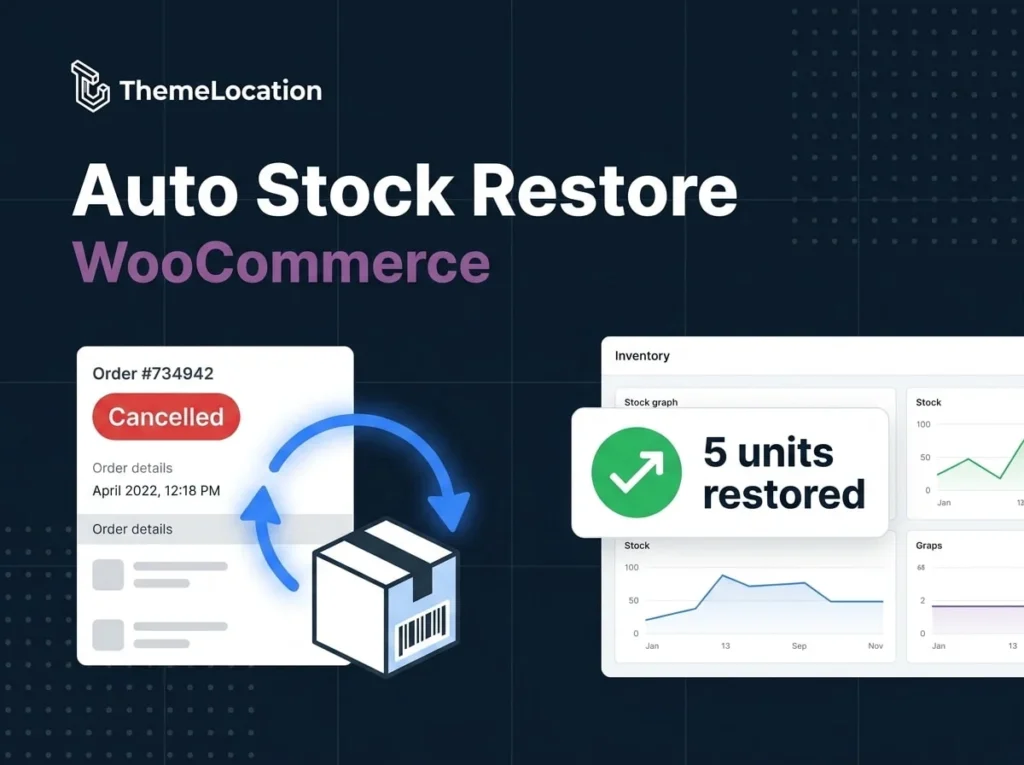
Woocommerce’s core doesn’t auto restore stock for cancelled and refunded orders. So, in this tutorial we’ll learn how to overcome this deficiency with the help of a plugin. Woocommerce Auto Restore Stock is the plugin that will help us achieve this. All you have to do is download, install and activate the plugin and it […]
How to Edit the Added to Cart Message in WooCommerce
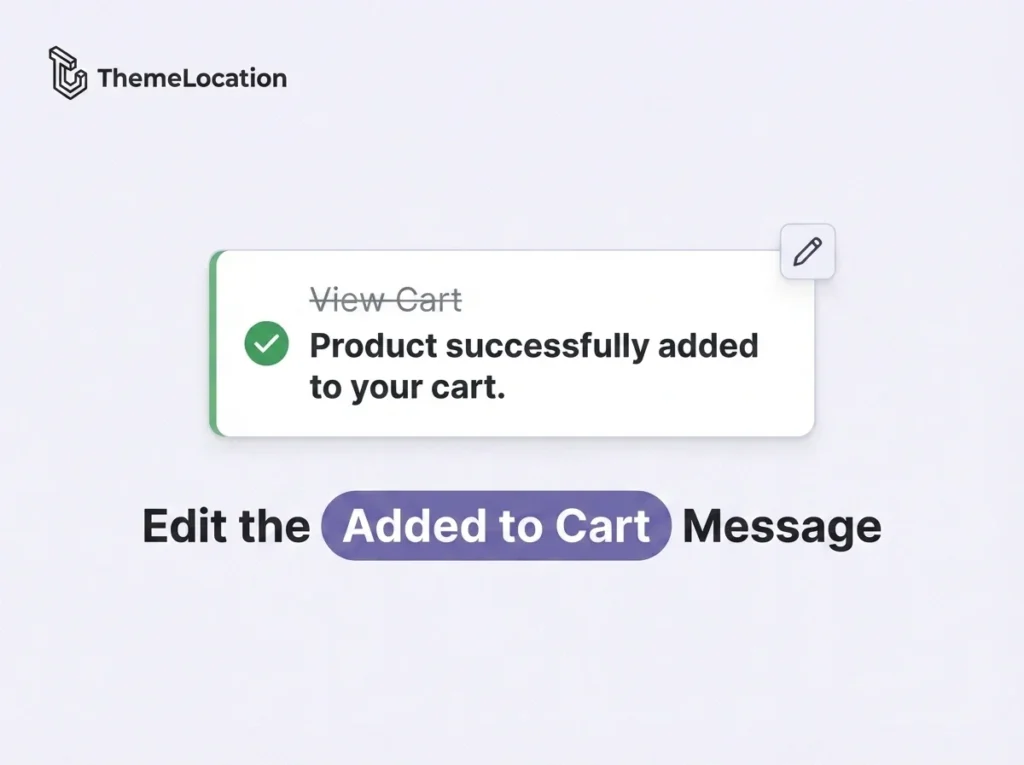
When a customer adds a product to their cart in WooCommerce, they see a default notification message like “View Cart” with a link. While functional, this message is generic and doesn’t give much feedback. You might want to customize it to something more descriptive like “Product successfully added to your cart” or a branded message […]
How to Backup WordPress Without Cpanel/FTP Access
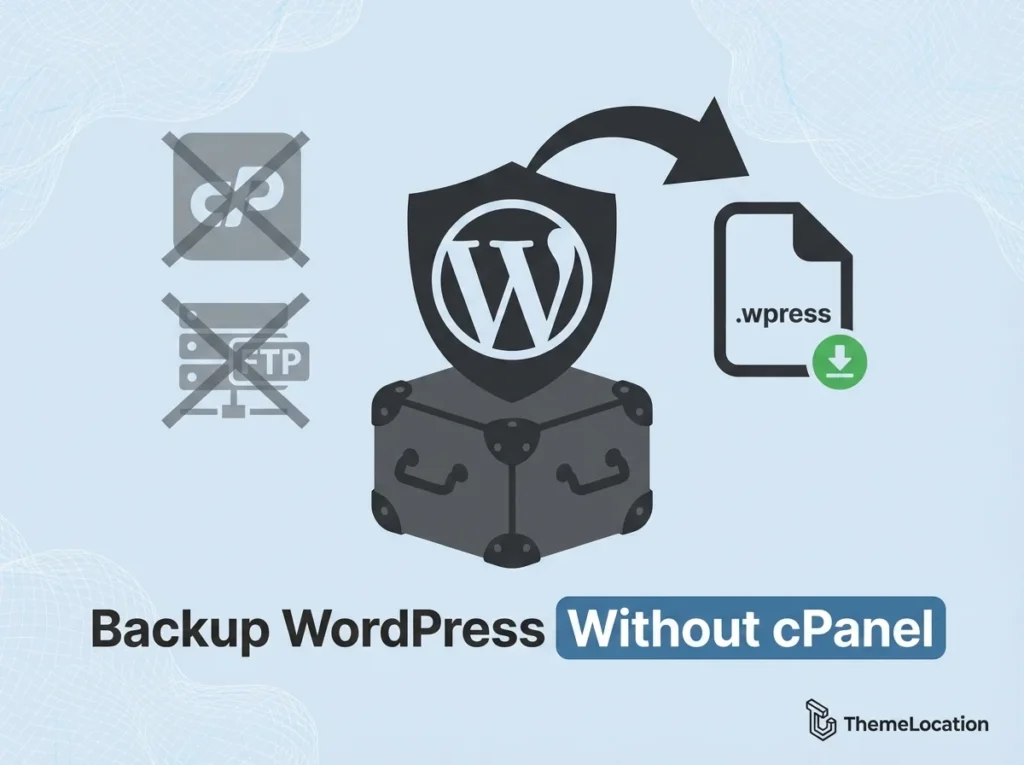
Backing up your WordPress installation, much like backing up your files or saving your documents, is a process that is often neglected. However, there are many cases that you will be happy to have a backup to roll back to: Having a recent backup, however, is not necessary only for emergency situations. Consider a case […]