
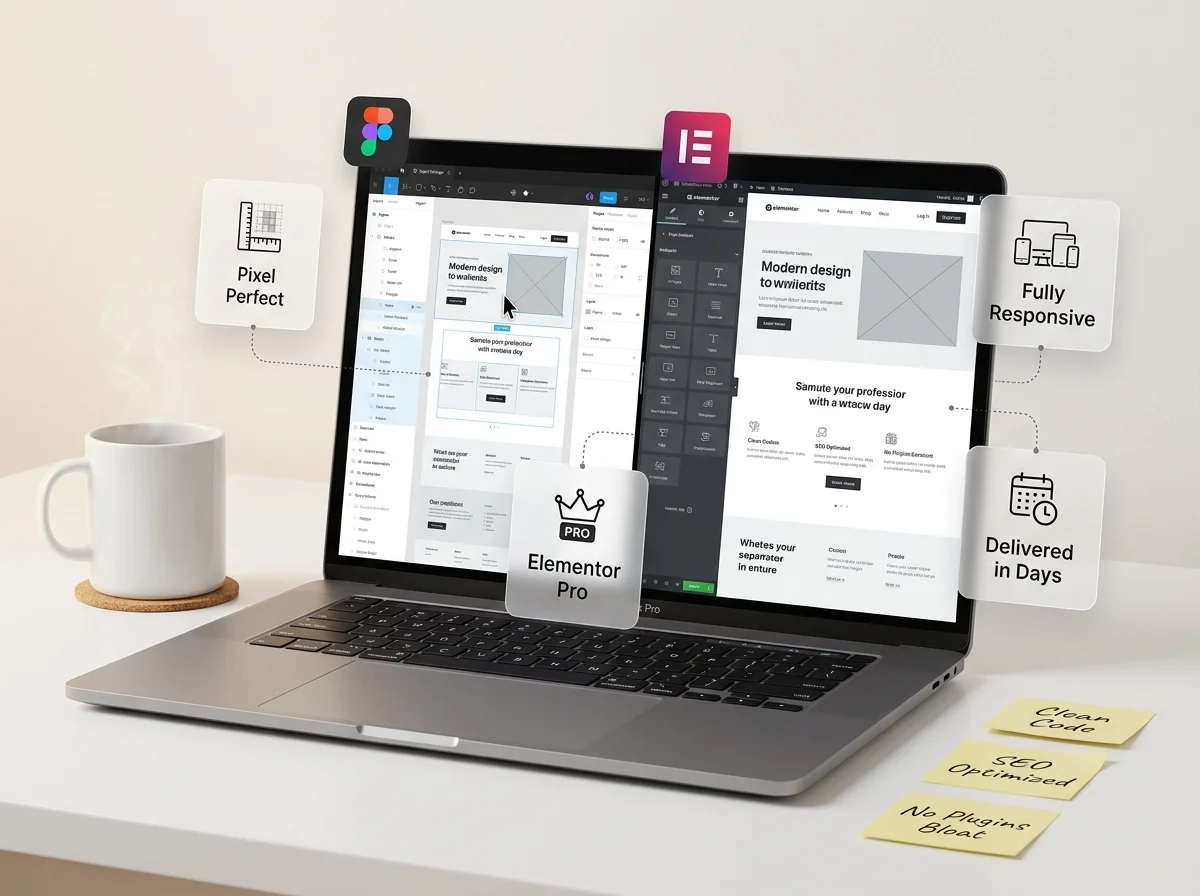



















Figma to Elementor

Turn Your Figma Design into a WordPress Elementor Website

You’ve invested hours perfecting your Figma design. Now you need a developer who can turn that vision into a real, working WordPress website without losing a single detail. We handle everything: from layout and typography to interactions and responsiveness, so your site launches exactly as designed. That’s exactly what we do.

convert Figma to Elementor

The Real Problem

Why Plugins and Automated Tools Fall Short

You’ve probably come across plugins like UiChemy or Figmentor. They promise one-click conversions. But here’s what designers discover after trying them:

Layouts Break on Mobile

Desktop looks fine, but tablets and phones? Overlapping text, images spilling outside sections, and navigation that simply doesn’t work.

The Code Is Messy

Bloated HTML with unnecessary nesting, inline styles, and excessive custom CSS. This slows your site down and makes future edits a nightmare.

Interactive Elements Don't Translate

Hover effects, animations, contact forms, WooCommerce grids, sliders, none of these come through in a plugin export.

You Still Spend Hours Fixing

Most plugins handle 60-70% of the work. The remaining 30-40% the part that makes the site professional, still needs a skilled developer.

What You Get

Our Figma to Elementor Conversion Includes

A real WordPress developer reviews your Figma file, understands the design intent, and builds your site section by section.

Pixel-Perfect Accuracy

Every margin, padding value, color code, and typography setting is pulled directly from your Figma file. If your design shows 24px between sections, your live site has 24px between sections.

Fully Responsive Design

We don’t just shrink the desktop layout. We thoughtfully adapt the design for each screen size, adjusting typography, spacing, and navigation for every device.

Clean & Lightweight Code

Built with Elementor’s flexbox containers and global styles, not outdated layouts or excessive custom CSS. Fast loading, easy to maintain.

SEO-Friendly Foundation

Proper heading hierarchy, descriptive alt text, semantic HTML, and optimized page speed. Built so search engines can read and rank your content.

Easy to Edit Yourself

Update text, swap images, and add sections in Elementor’s visual editor. Clear naming conventions and reusable templates mean you’re never locked in.

What We Build

Types of Websites We Convert

From single landing pages to full multi-page websites, we adapt our approach to match your project needs.

Business & Corporate

Company homepages, about pages, service pages, team sections, and contact pages built to establish credibility and drive inquiries.

Landing & Marketing Pages

High-converting pages for lead generation, product launches, webinars, or ad campaigns. Fast-loading and mobile-first.

WooCommerce Stores

Product pages, category templates, carts, and checkout flows built for performance as your catalog and traffic grow.

Portfolio & Creative

Image galleries, case study layouts, video sections, and interactive elements that showcase creative work beautifully.

Blog & Content Sites

Article layouts, author pages, category archives, and sidebars structured for readability and SEO performance.

Redesigns & Migrations

Rebuild your existing WordPress site with a new Figma design preserving content, SEO structure, and URL hierarchy.

Our Process

How Figma to Elementor Conversion Works

A straightforward process that keeps you informed at every step.

Step 1

Share Your Figma File

Send your Figma design link or file with any notes about functionality. We also accept PSD, XD, and Sketch files.

Step 2

Get a Detailed Quote

We review visuals, structure, pages, and features. Within 1 business day, you’ll get a clear cost and timeline breakdown.

Step 3

We Build Your Website

Development on a staging environment where you can review progress, give feedback, and request adjustments before going live.

Step 4

Review & Launch

Review on all devices, refine details, and launch. We deliver to your hosting or provide Elementor template files.

Why Elementor

Why We Recommend Elementor for WordPress

Largest Ecosystem

Powers 16M+ websites worldwide. You’ll always find developers, themes, and add-ons that support it.

Visual Drag-and-Drop

Edit content, rearrange sections, and tweak styles in a visual editor with real-time changes. No coding needed.

Free & Pro Versions

Free version works for simpler sites. Pro adds theme building, forms, popups, and WooCommerce integration.

Performance-Focused

Modern flexbox containers and reduced DOM mean fewer HTML elements, smaller pages, and faster loading.

Why Themelocation

Why Clients Choose Us

WordPress Specialists

Our entire team focuses on WordPress. We know the platform deeply. Its strengths, its quirks, and how to get peak performance from Elementor.

Real Developers, Not Tools

Every conversion is hand-built by a developer who reviews your Figma file and makes thoughtful choices about layout structure.

Clear Communication

Clear quote upfront, regular progress updates, and responsive support after launch. No disappearing acts.

Transparent Pricing & Support

No hidden fees, no surprise charges. Plus post-delivery support, we don't disappear after handoff.

Get Started

Ready to Turn Your Figma Design into a Live Website?

Send us your Figma file and tell us about your project. We’ll review your design and get back within one business day with a clear quote, no obligation.

FAQS

Frequently Asked Questions

Everything you need to know about our Figma to Elementor conversion service.

Still have questions?

Drop us an email at waqas@themelocation.com and we will get back to you within a few hours.

Pricing depends on the number of pages, design complexity, and dynamic features needed (forms, WooCommerce, animations). Send us your Figma file and we’ll provide a detailed quote within one business day, no commitment required.
A single landing page is typically delivered within 3-5 business days. Multi-page websites take 1-3 weeks depending on complexity. We provide a specific timeline when we review your design files.
For straightforward pages, Elementor Free is often sufficient. For advanced features like theme builder templates, custom forms, popups, and WooCommerce layouts, you’ll need Pro. We’ll recommend the right option during quoting.
Yes. We regularly build WooCommerce stores from Figma designs including product pages, category grids, shopping carts, checkout flows, and account pages all designed for speed and usability.
No problem. We work with PSD, Adobe XD, Sketch, and Adobe Illustrator. The conversion process and quality is identical regardless of your source file format.