
There are many reasons you might want to remove the Add to Cart button from your WooCommerce store. Maybe you’re using WooCommerce as a product catalog without online sales, or you need customers to contact you before ordering, or certain products require a quote instead of direct purchase.
In this tutorial, we’ll cover multiple methods: removing the button from all products, from a single product, from a specific category, and using our free Remove Add to Cart WooCommerce plugin for a no-code solution.
Method 1: Remove Add to Cart From All Products
By default, WooCommerce displays the Add to Cart button on both shop pages and single product pages:
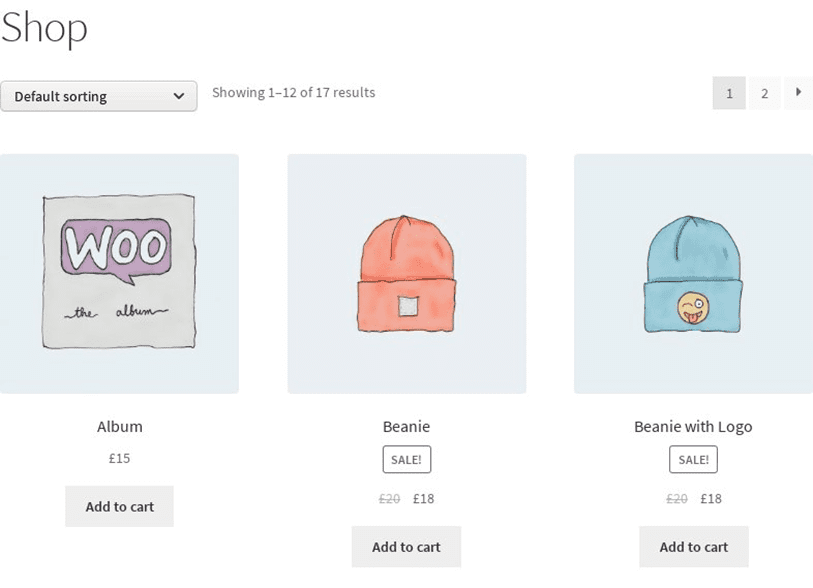

To remove the button from everywhere, add these two lines to your child theme’s functions.php:
remove_action(
  'woocommerce_after_shop_loop_item',
  'woocommerce_template_loop_add_to_cart'
);
remove_action(
  'woocommerce_single_product_summary',
  'woocommerce_template_single_add_to_cart',
  30
);
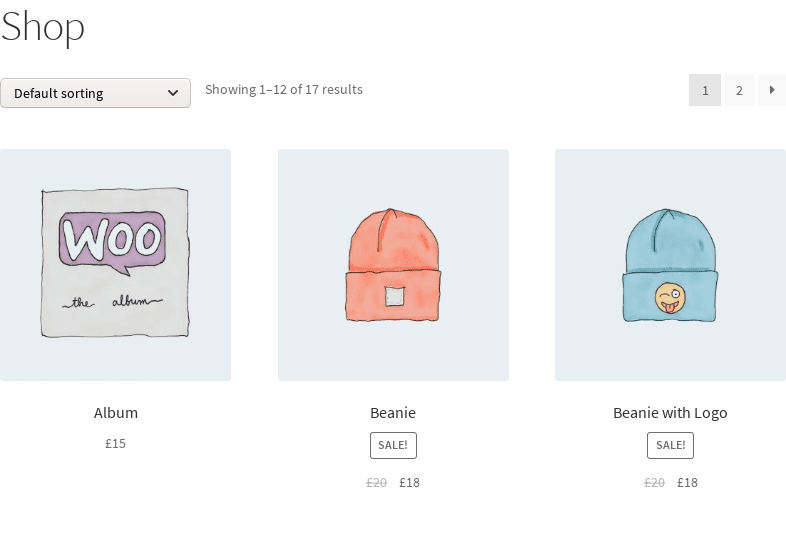
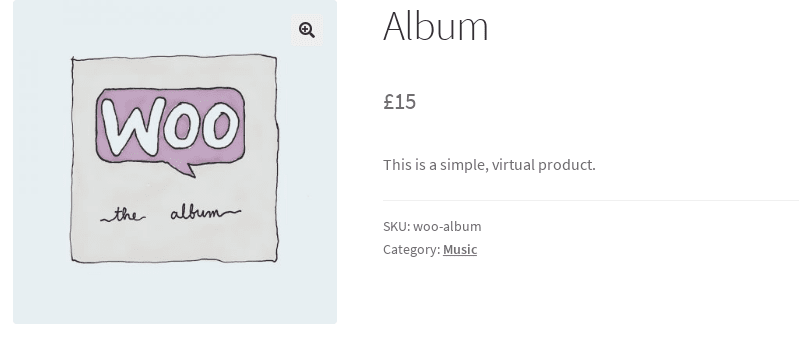
After saving, the button is removed from both the shop page and single product pages:
Method 2: Remove From a Single Product
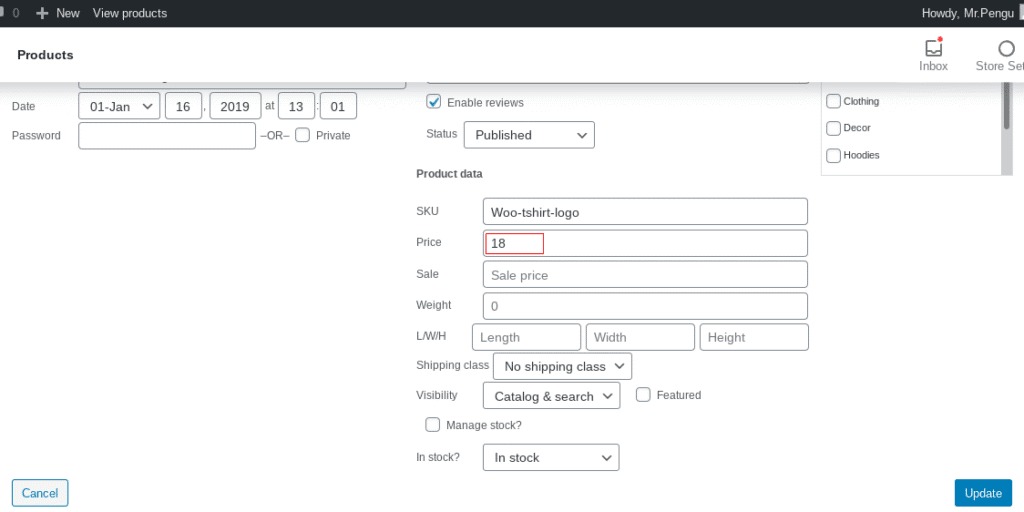
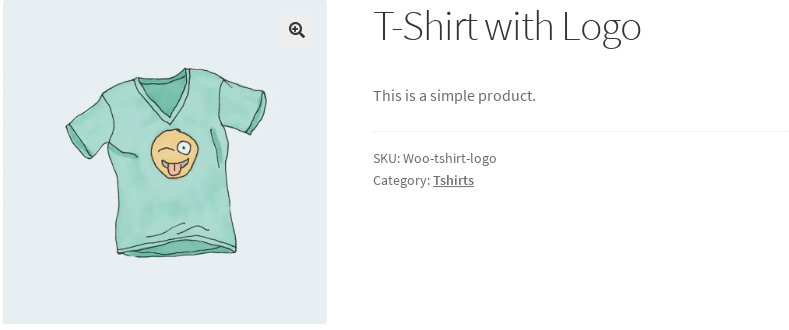
Option A: Empty the price field. Go to Products → All Products, open the Quick Edit screen for the product, and clear the price field. Without a price, the product can’t be added to cart:
Option B: Mark as not purchasable. This keeps the price visible but removes the button. Add this to functions.php:
add_filter('woocommerce_is_purchasable',
  'my_woocommerce_is_purchasable', 10, 2);

function my_woocommerce_is_purchasable(
  $is_purchasable, $product
) {
  return ( $product->get_id() == 24
    ? false : $is_purchasable );
}
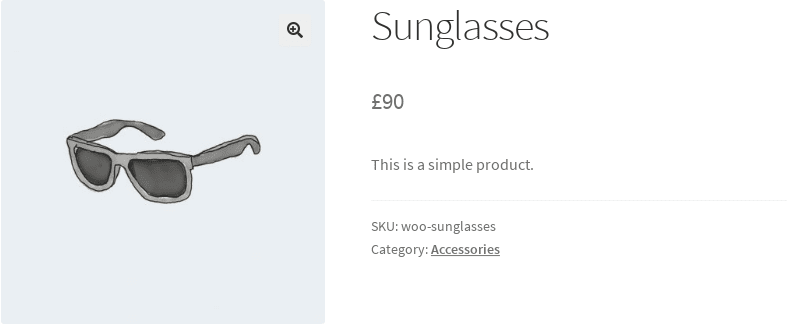
Replace 24 with your product’s ID. The product shows “Read more” on the shop page instead of Add to Cart, and the price remains visible on the single product page without a cart button:

Method 3: Remove From a Specific Category
To remove the button from all products in a specific category, first find the category slug. Go to Products → Categories:
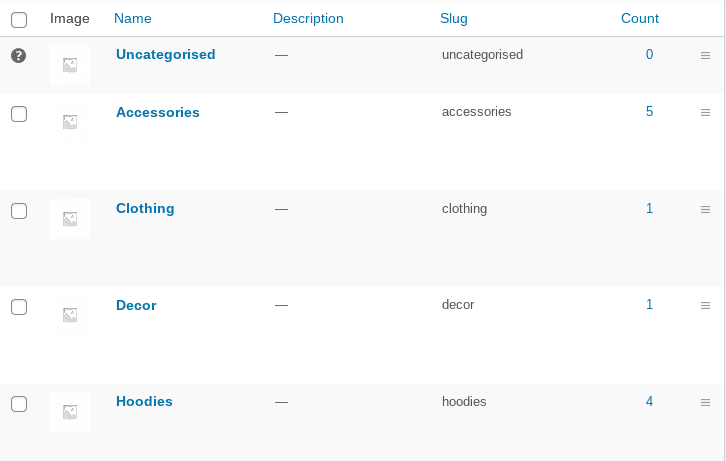
Then add this code to functions.php, replacing the category slug:
function my_function_remove_addtocart_category(){
  if ( has_term('hoodies','product_cat') ) {
    remove_action(
      'woocommerce_after_shop_loop_item',
      'woocommerce_template_loop_add_to_cart');
    remove_action(
      'woocommerce_single_product_summary',
      'woocommerce_template_single_add_to_cart',
      30);
    remove_action(
      'woocommerce_simple_add_to_cart',
      'woocommerce_simple_add_to_cart', 30);
    remove_action(
      'woocommerce_variable_add_to_cart',
      'woocommerce_variable_add_to_cart', 30);
  }
}
add_action('wp',
  'my_function_remove_addtocart_category');
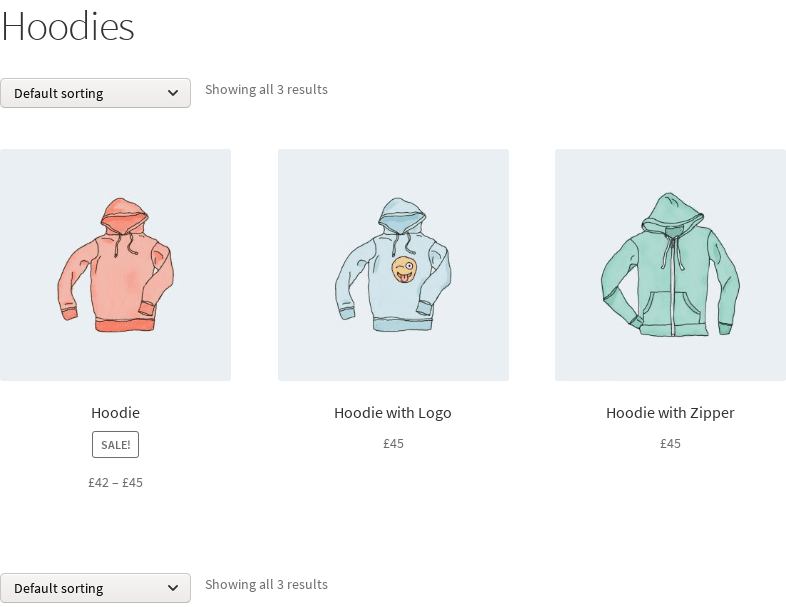
Products in the “Hoodies” category no longer show the Add to Cart button, while other categories remain unaffected:
Method 4: Use Our Free Plugin (No Code)
If you prefer not to write code, our free Remove Add to Cart WooCommerce plugin lets you remove the button per product or per category with a single click from the admin panel. You can also replace the button with an “Inquire Us” message that links to your contact page.
Conclusion
Whether you need to remove the Add to Cart button from all products, a single item, or an entire category, WooCommerce gives you flexible options through hooks and filters. For a code-free approach, our free Remove Add to Cart plugin handles it with a single click.