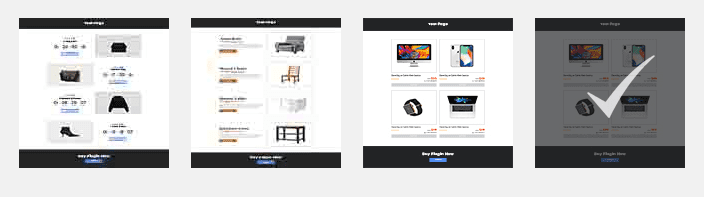
Every store owner knows that a fail-proof way to draw more customers in your store is to offer discounts in your prices. This is not only valid for brick and mortar stores – it is a brilliant strategy to draw more customers into your e-store as well.
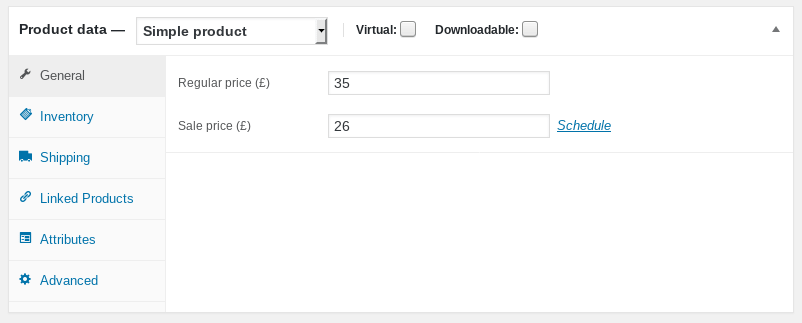
WooCommerce, this brilliant e-commerce plugin for WordPress knows this little trick very well. So it offers an out-of-the box ability to set sales prices for any of your product and to schedule the dates during which the sales price should apply. But, did you ever wanted to have a page showing only your discounted products? Maybe a “Deals of the day” page?
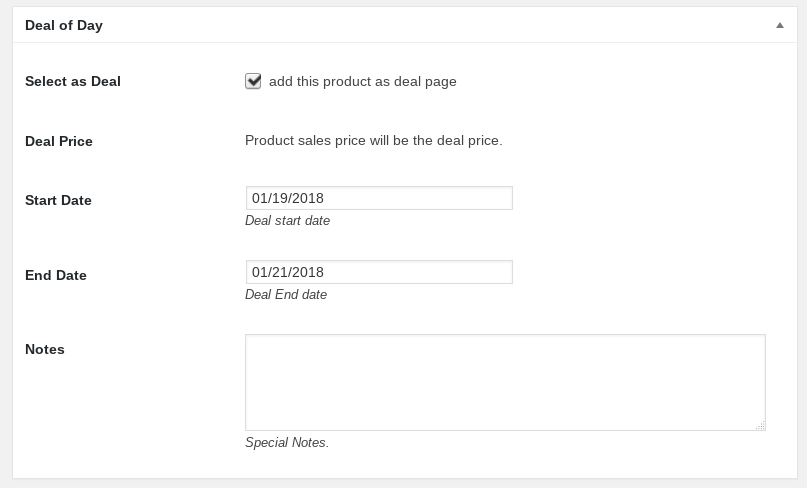
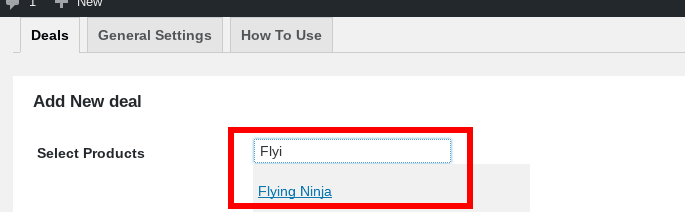
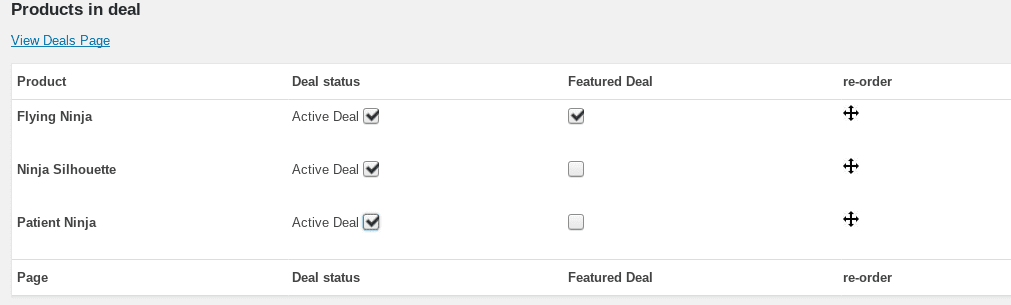
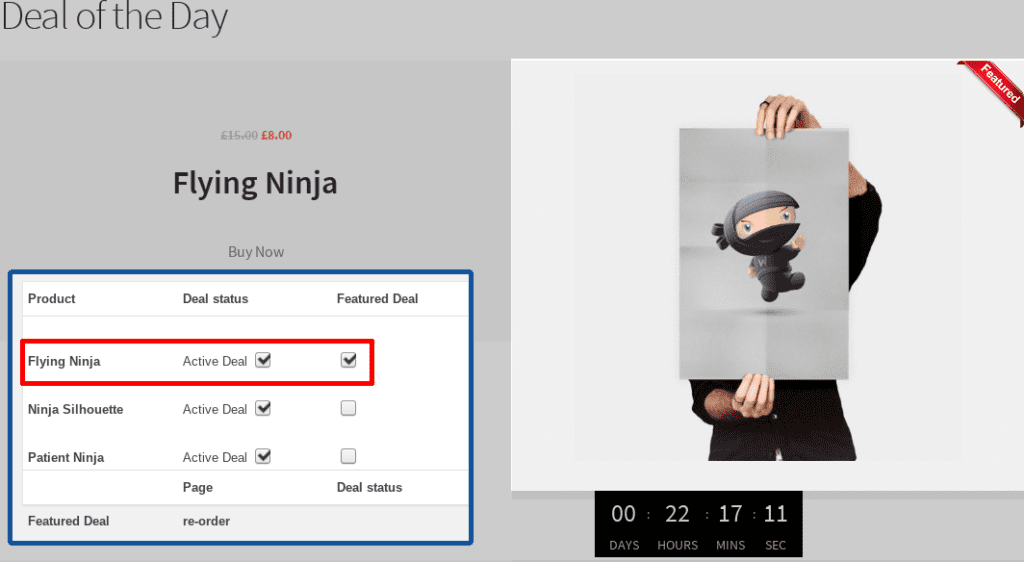
This is exactly what our plugin, Deal of the day does! Select one or multiple products and add them to a dedicated “Sales” page. Have automatic countdown timers, to create a sense of urgency to your customers! Use any of our templates to display your discounted products as you want them!