
Enable Product Search by SKU in WooCommerce
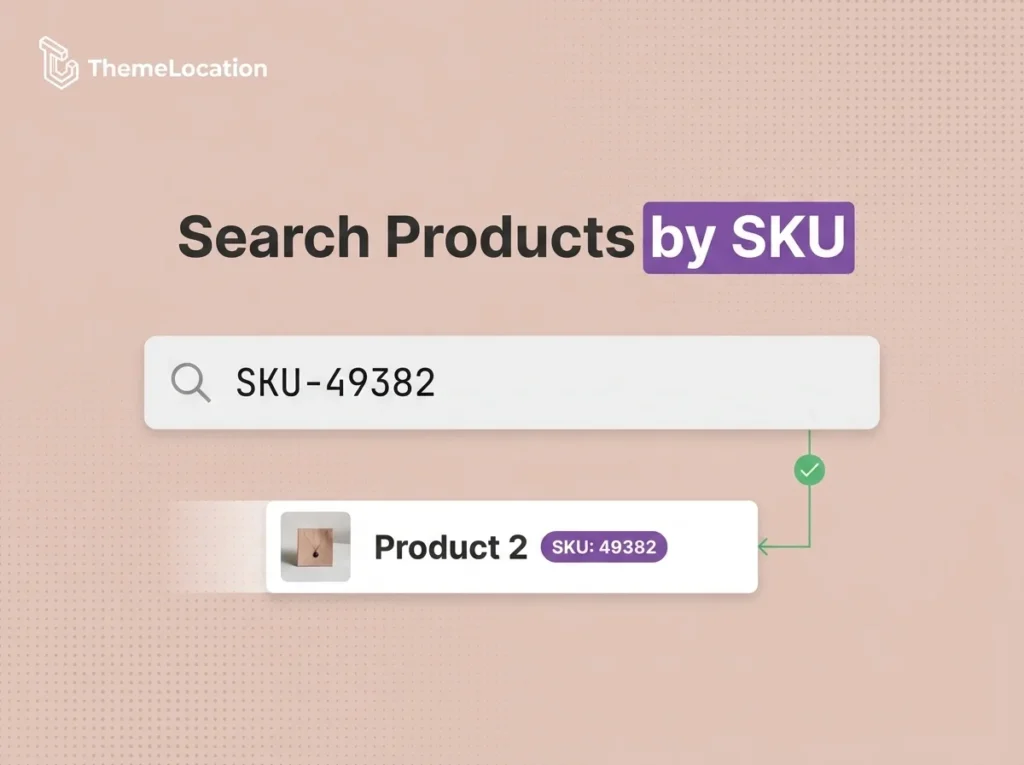
By default, WooCommerce’s product search only looks at product titles and descriptions. It does not include SKU (Stock Keeping Unit) numbers in search results. This is a common frustration for store owners and customers alike — especially in stores with large catalogs where searching by SKU is the fastest way to find a specific product. […]
Change Font Size of Product Listing Page in WooCommerce
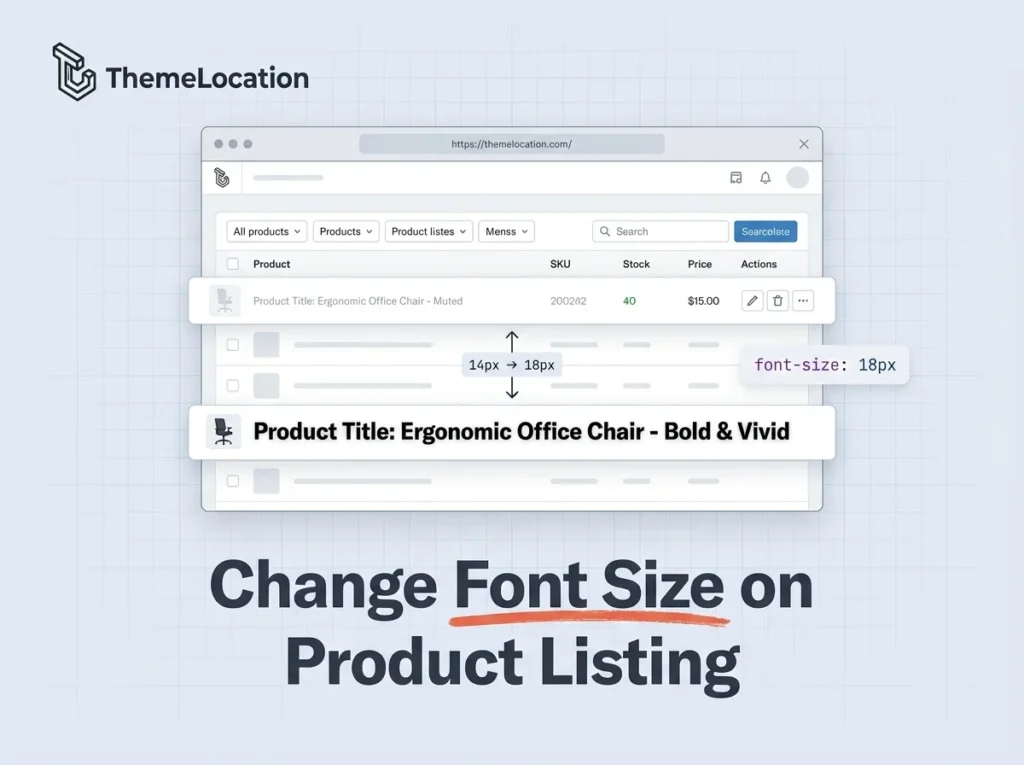
The WooCommerce admin product listing page uses a default font size of 14px for product titles. If you manage a lot of products, this can feel small and hard to scan especially on larger screens. You might want to increase it for better readability. One approach is to edit the CSS file directly, but that […]
How to Safely Add PHP Code Snippets to WordPress
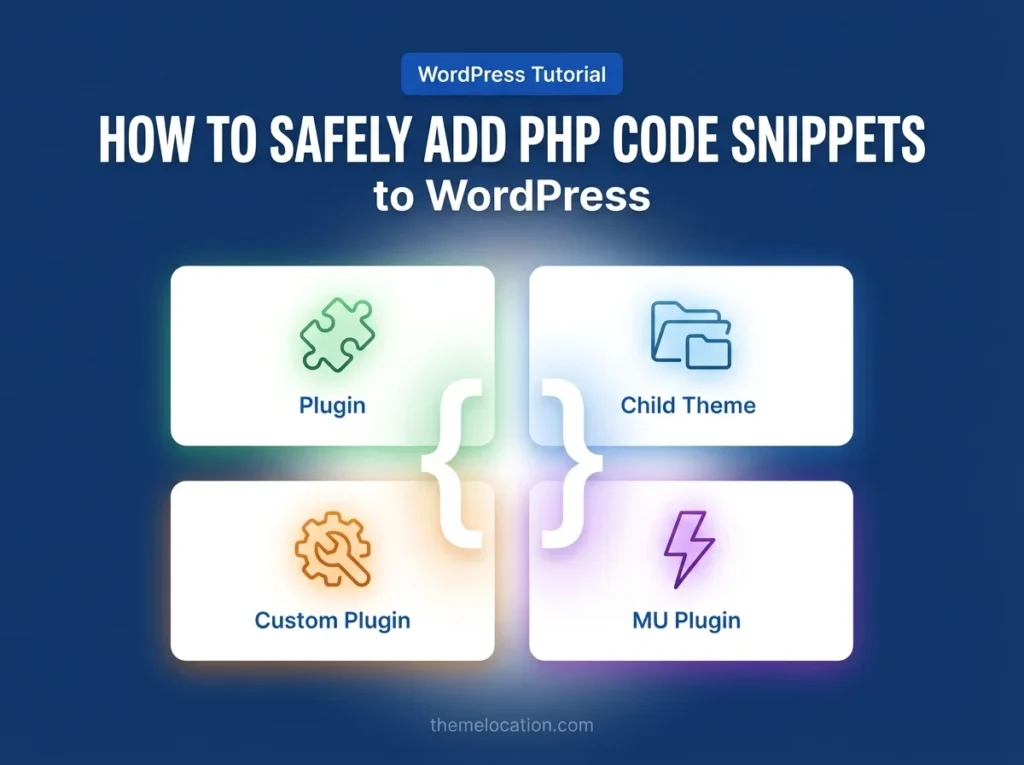
Found a PHP code snippet online that does exactly what you need for your WordPress site — but not sure where to put it safely? You’re not alone. This is one of the most common questions we get from store owners and developers alike. The short answer: never paste code directly into a theme or […]
Set Minimum Order Amount in Woo-Commerce
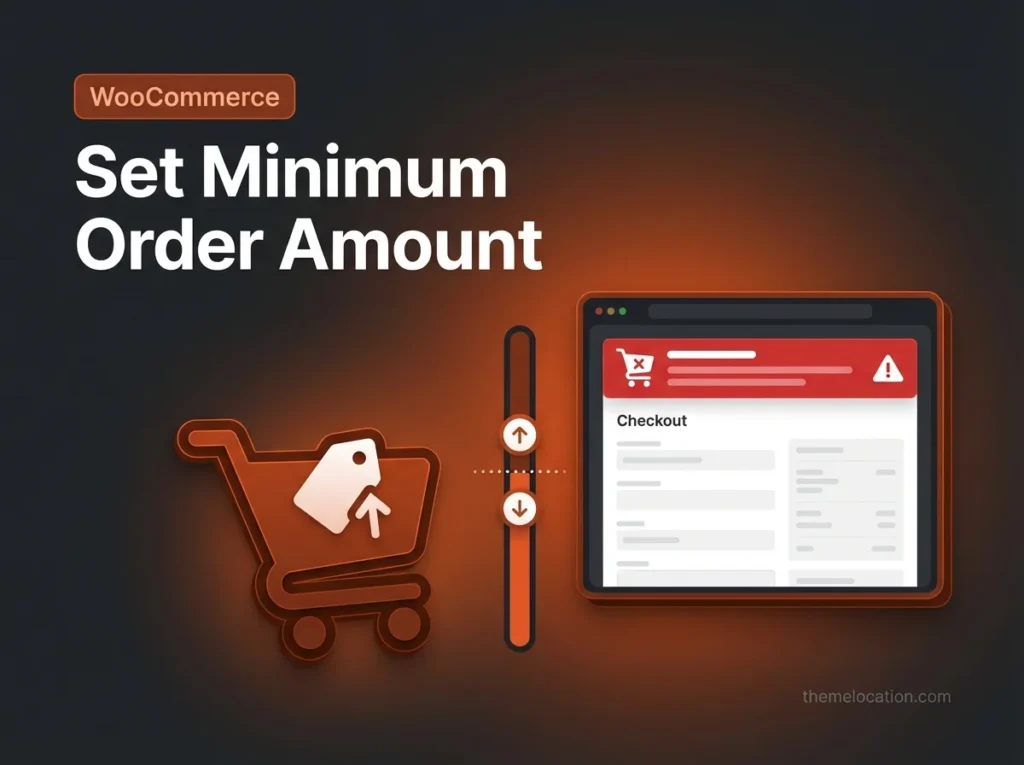
ant to set a minimum order amount in WooCommerce? You have three ways to do it: using a PHP code snippet in functions.php, installing a plugin, or setting it on a per-product basis via the inventory settings. The code method is the quickest and requires no plugin — just a few lines added to your […]
How to make checkout “state” field not required/optional in Woocommerce?
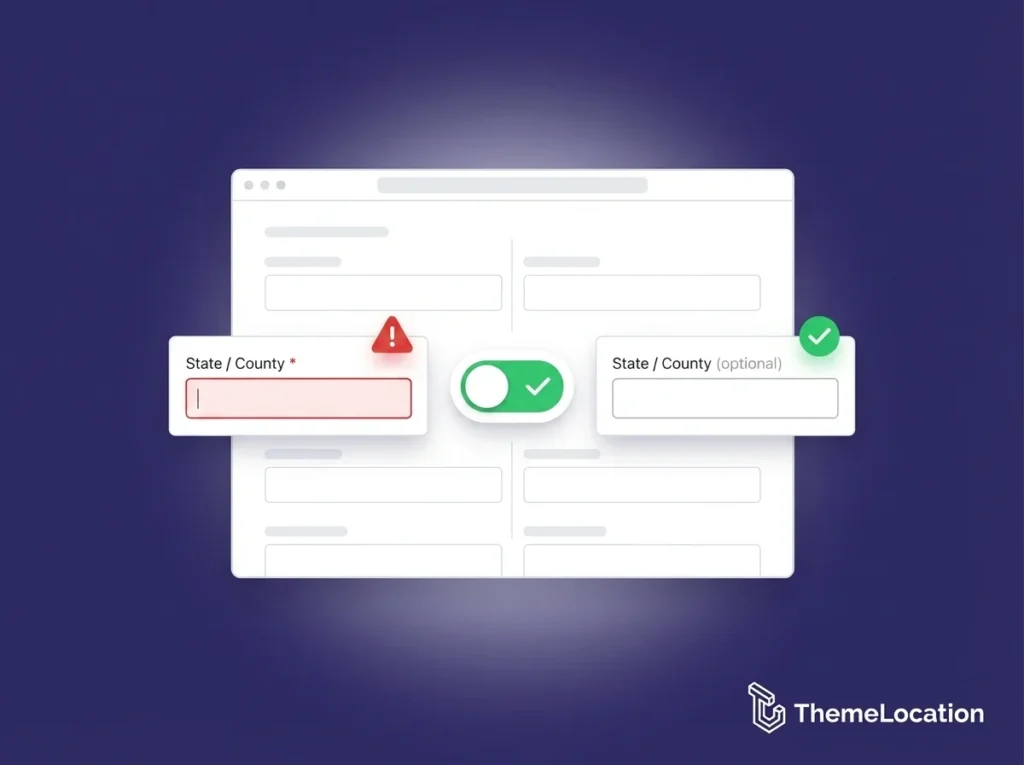
Want to make the “State” field optional on your WooCommerce checkout page? By default, WooCommerce requires the state field for both billing and shipping addresses. But for many stores especially those selling to countries where states or provinces aren’t used, this requirement frustrates customers and causes unnecessary checkout errors. The fix is a simple PHP […]
How to display minimum price from multiple variations in WooCommerce?
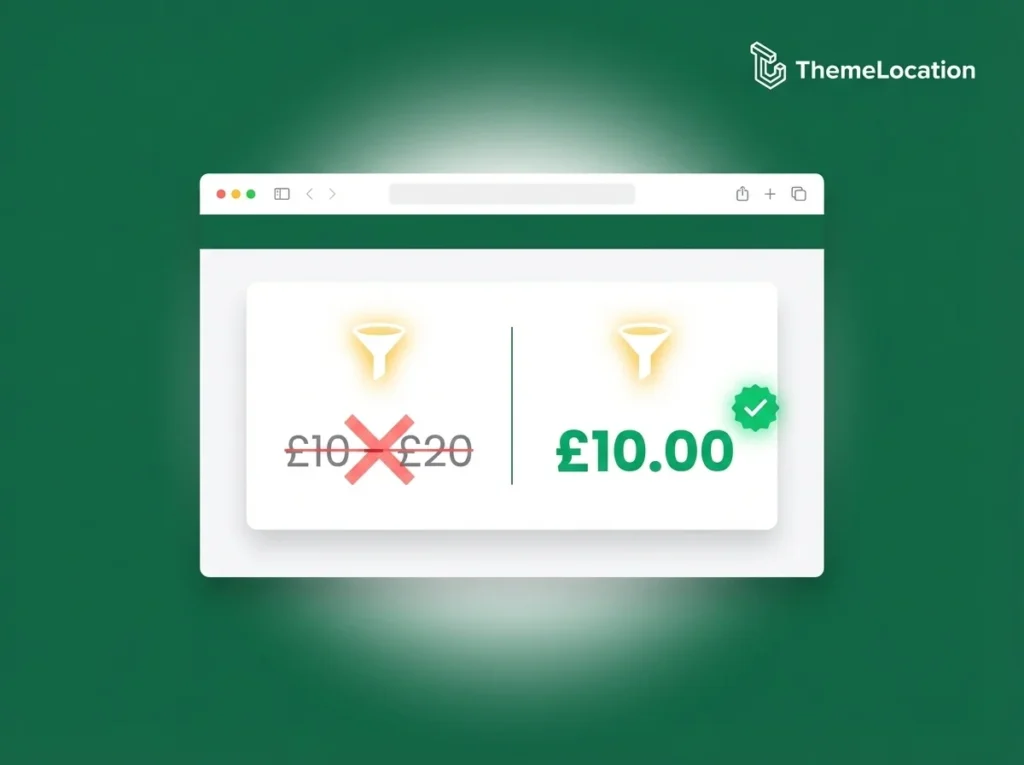
By default, WooCommerce displays a price range for variable products — something like £10.00 – £20.00 — showing the lowest and highest variation prices. For many stores this works fine, but some store owners prefer to show only the lowest (minimum) price instead. This is a common client request. The reasoning makes sense: showing just […]
Replace Default Product Placeholder Image in WooCommerce
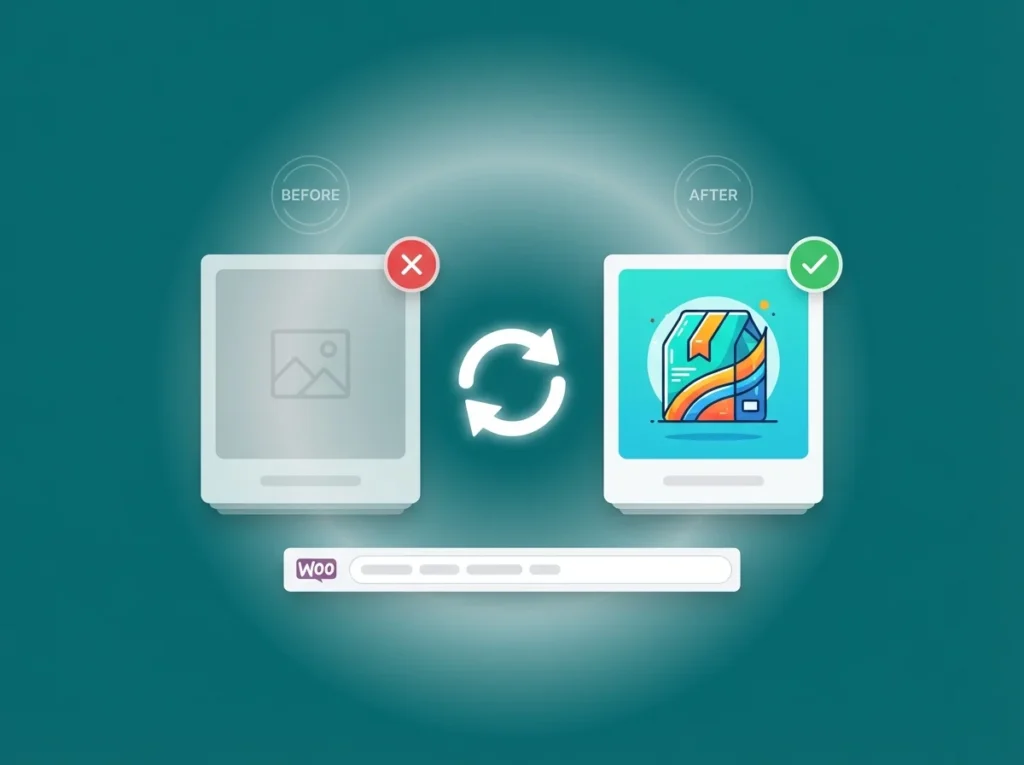
When a WooCommerce product doesn’t have an image assigned, the store automatically displays a grey placeholder image with the WooCommerce logo. While this is better than a broken image, it doesn’t look great — especially on a professionally designed store where branding consistency matters. The good news is you can replace that default placeholder with […]
How to Add Content Before or After the Add to Cart Button in WooCommerce
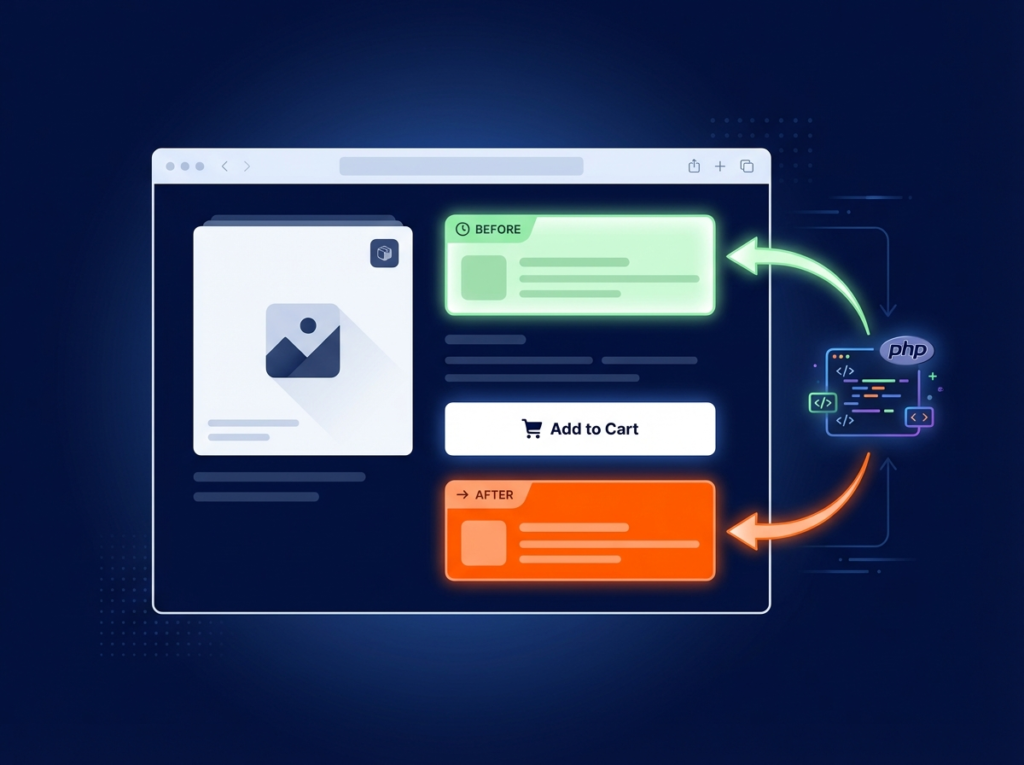
Need to add custom content near the “Add to Cart” button on your WooCommerce product page? Whether you want to place a trust badge below the button, a promotional message above it, or any other custom HTML — you can do it cleanly using WooCommerce hooks, without touching any core template files. This tutorial covers […]
WooCommerce: How to Add a Continue Shopping Button in Cart
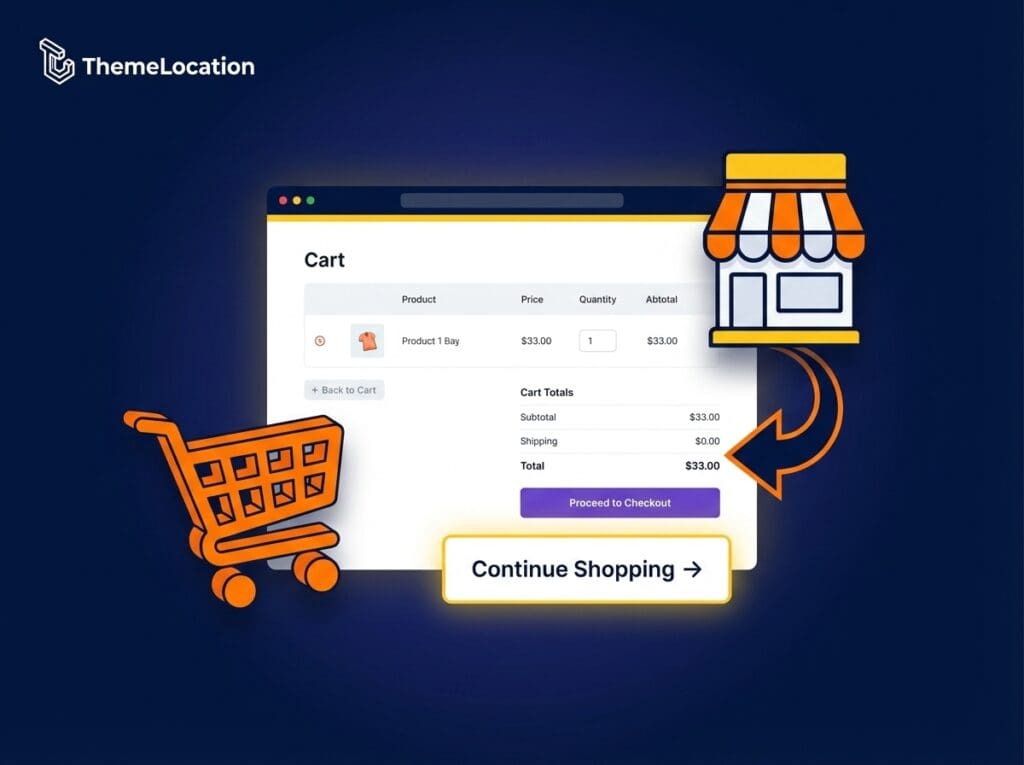
Adding a “Continue Shopping” button to your WooCommerce cart page is a small change that makes a big difference to the user experience. Instead of leaving customers stuck on the cart page with only the option to checkout or hit the browser’s back button, a dedicated “Continue Shopping” link gives them a clear, friendly path […]
How to Display Two Currencies in WooCommerce
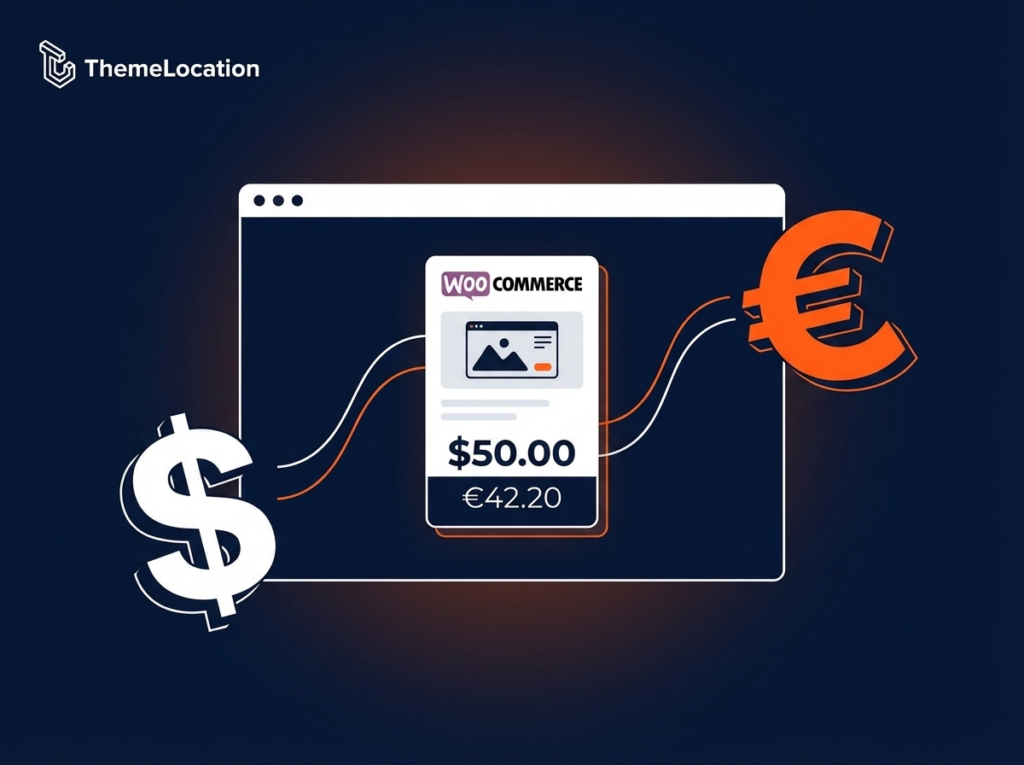
Want to show two currencies on your WooCommerce product pages? This is a common requirement for stores that sell internationally — displaying the price in your store’s default currency alongside a second currency for reference makes the shopping experience clearer for customers from different countries. The good news is you can do this with a […]
How to Execute a JavaScript Function Before Saving a WooCommerce Product
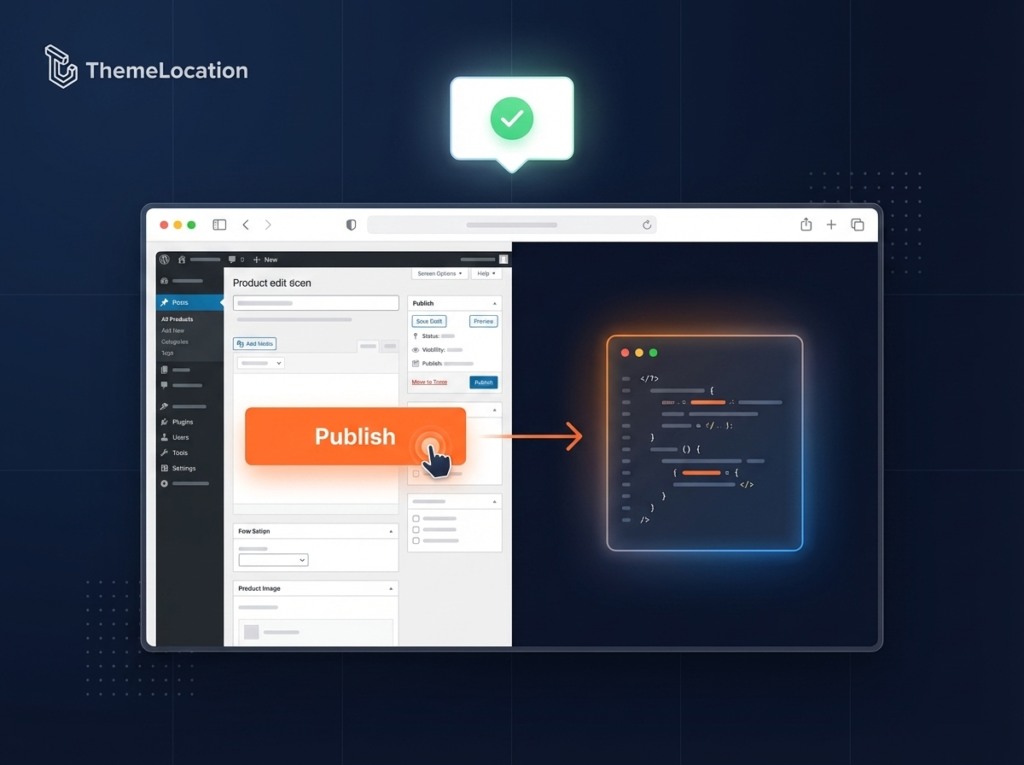
Want to run a JavaScript function just before a WooCommerce product is saved or published? This is a useful technique for adding custom validation, confirmation dialogs, or triggering any custom logic at the moment the “Publish” button is clicked in the WordPress product editor. In this tutorial, I’ll show you exactly how to hook into […]
WooCommerce: Fade Out Error Messages on Checkout Page
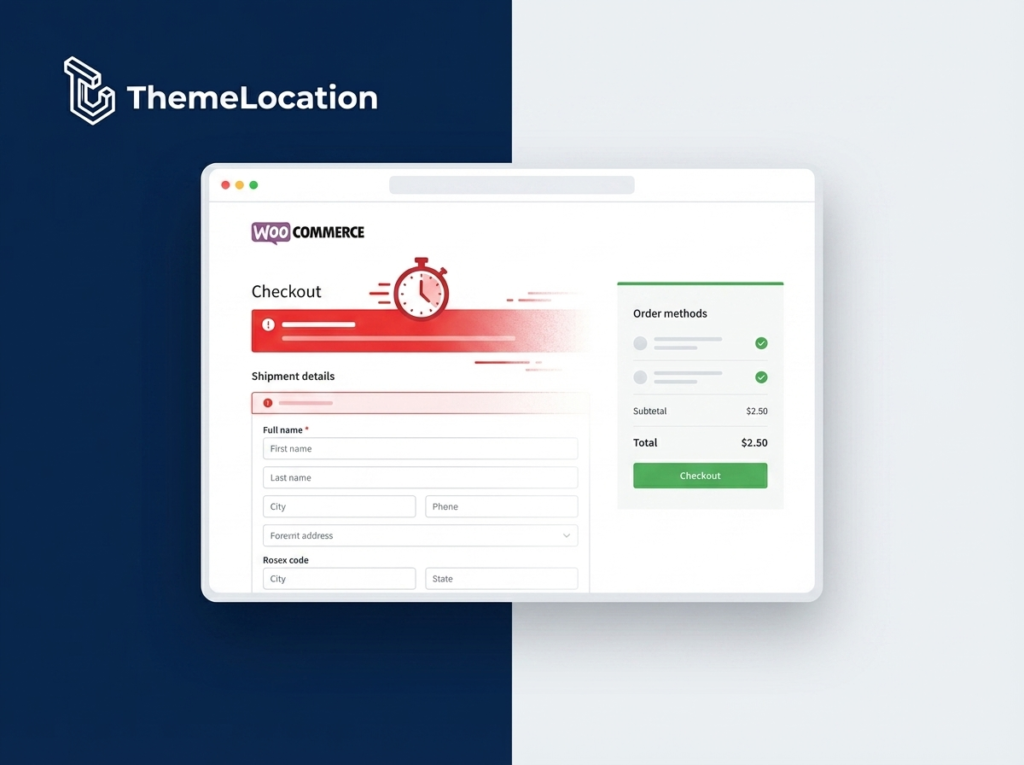
For an online store to work successfully, the checkout process needs to be smooth, simple, and frustration-free. The checkout page is one of the most critical moments in a customer’s journey — any friction at this stage significantly increases the chance they’ll abandon their order entirely. One small but effective improvement you can make is […]