
30 Best HTML5 Practices

HTML5 has been around for many years now and has been stable and supported at least partially supported by most major browsers since 2014. We are going to present here a list of best coding practices regarding HTML5 markup. This list is from a perspective of creating a clean, maintainable and scalable code, that will […]
How to Add SKU to Product URL in WooCommerce
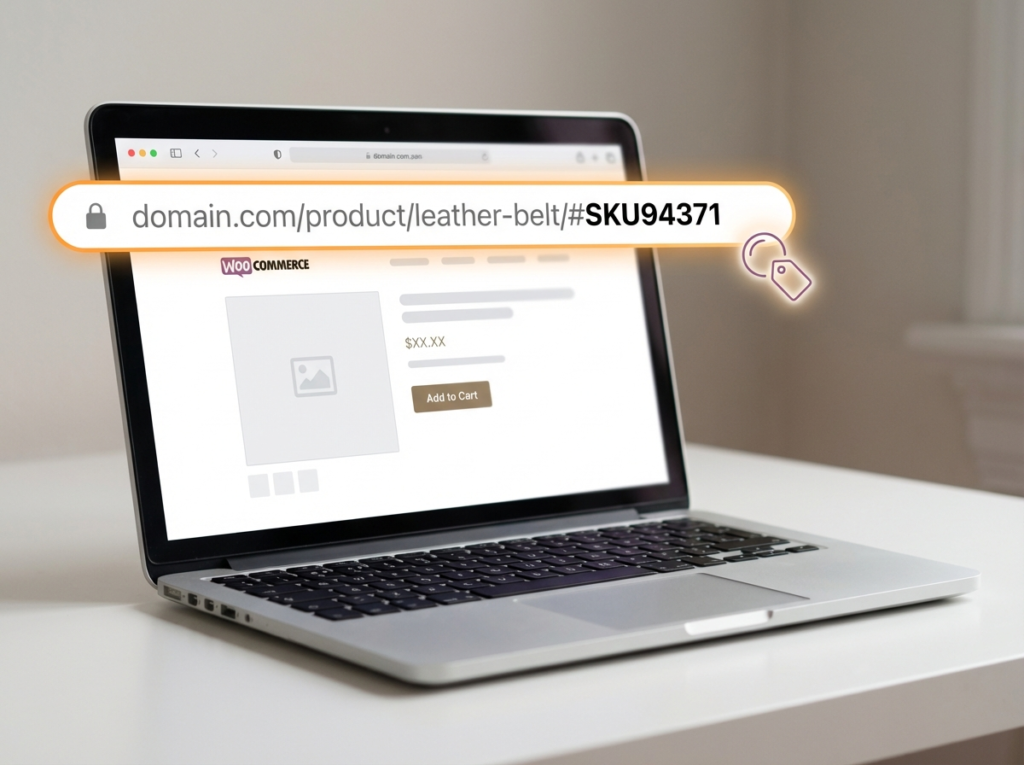
Want to add the product SKU to your WooCommerce product URL? By default, WooCommerce product URLs look like this: https://yourdomain.com/product/product-name With a small PHP snippet added to your functions.php file, you can change it to include the SKU like this: https://yourdomain.com/product/product-name/#SKU943713 Or even as a full permalink segment: https://yourdomain.com/shop/SKU/product-name/ In this tutorial, I’ll show you […]
How to Remove Product Count in WooCommerce Shop
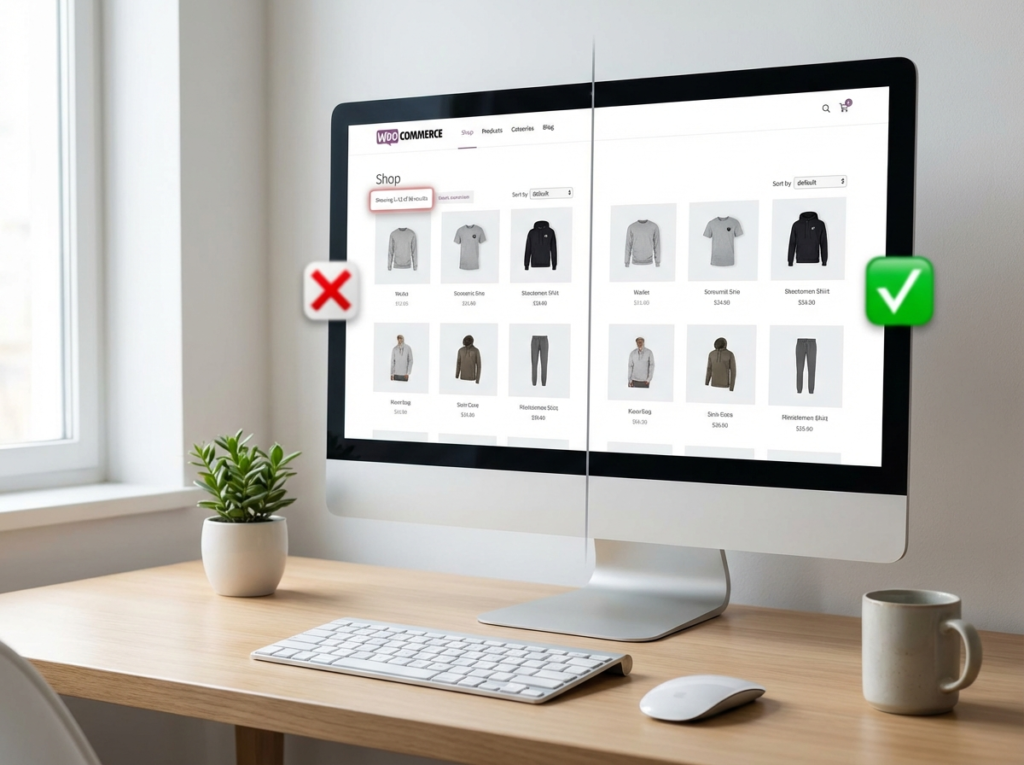
WooCommerce shows the product count by default on both the shop page and the categories page. A lot of online store owners prefer to hide this number whether for a cleaner look, to avoid showing low stock counts, or simply because it doesn’t fit their store’s design. The good news? You can remove it with […]
Display ‘Added to Cart’ Notification as a Popup Without a Plugin

Want to show a popup notification when a customer adds a product to cart in WooCommerce? You can do it with a simple PHP and jQuery snippet, no plugin required. By default, many WooCommerce themes (including the popular Storefront theme) display the “added to cart” message as a banner at the top or bottom of […]
How to display all the subcategories from a specific category in WooCommerce?

Built upon WordPress’ parent category and child category for posts that goes way back, WooCommerce has allowed its product categories to also have such kind of hierarchy. This feature provides an efficient means of organization especially for larger stores which sell a variety of products across different product types. For instance, a lifestyle brand might […]
How to Change the Color of WooCommerce Buttons

To change the color of WooCommerce buttons, you need to override the default CSS styles that WooCommerce applies to its buttons. The cleanest way to do this is by adding custom CSS to your WordPress site either through a plugin or directly in your theme. There are two ways to do this: I recommend the […]
WooCommerce: How to Bulk Merge Categories into One Category
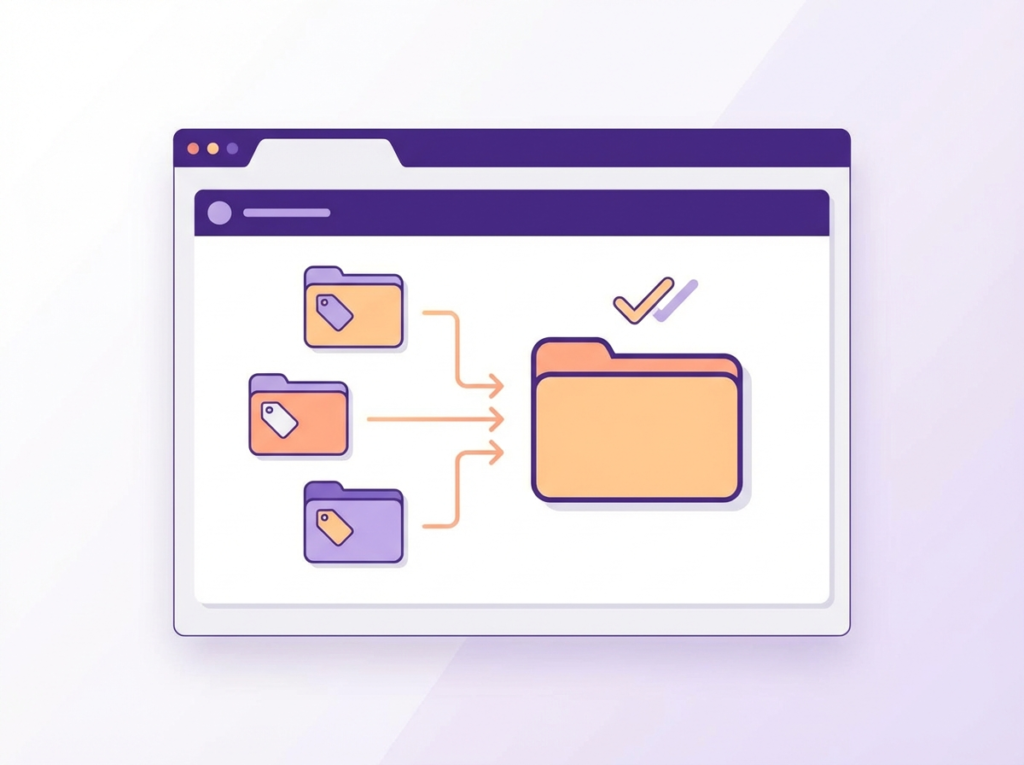
Want to bulk merge WooCommerce categories into one? The fastest way is to use the Term Management Tools plugin, select the categories you want to combine, choose “Merge” from the bulk actions dropdown, type the name of the final category, and hit Apply. All products from the merged categories move into one automatically. But that’s […]
Make the Phone Field Optional at WooCommerce Checkout
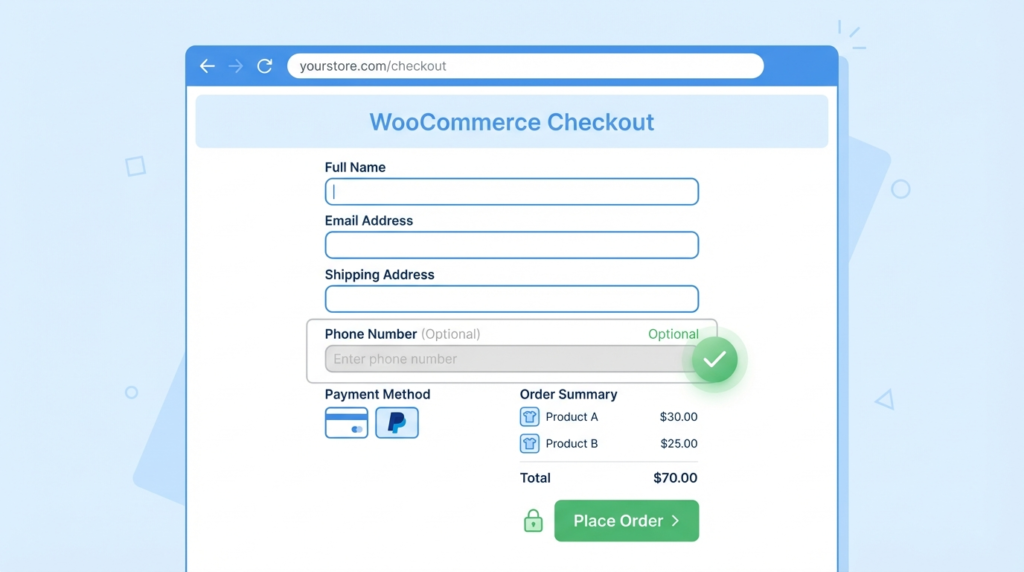
Want to make the phone field optional at WooCommerce checkout? The fastest way is to add a small snippet to your functions.php file and the phone field instantly becomes optional with no paid plugin required. But there are actually several ways to do this depending on your setup, and I’ll walk you through all of […]
5 Best WooCommerce Dropshipping Plugins (2026)
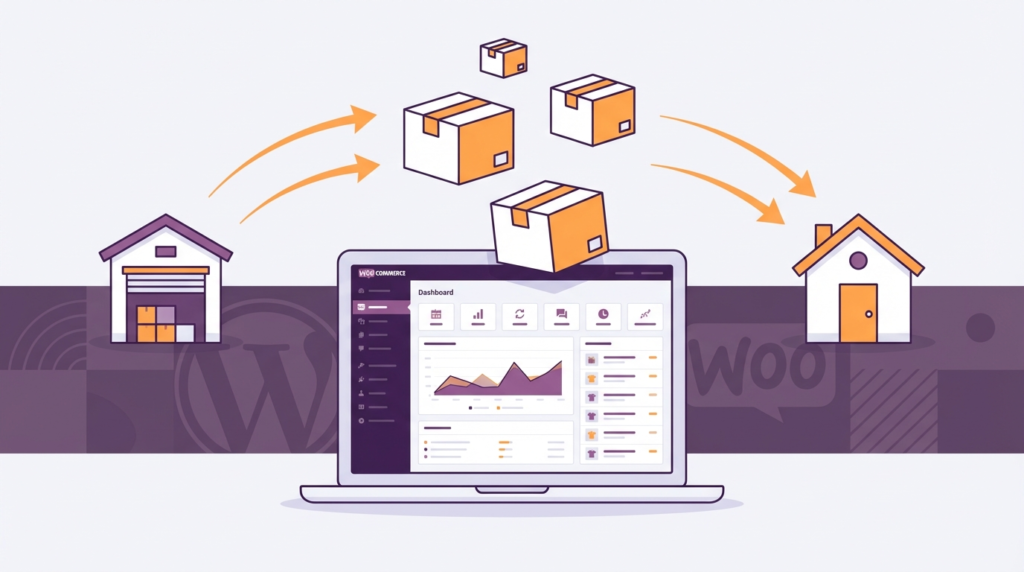
If you’re looking for the best WooCommerce dropshipping plugins in 2026, here’s my short answer: Spocket, AliDropship, Syncee, Dropified, and the official WooCommerce Dropshipping plugin are the top five worth your time and money. Each one solves a different problem, whether it’s fast US/EU shipping, AliExpress automation, global supplier access, or just getting started without […]