
Is your WordPress website built with Divi and you want to move it to Elementor? We handle the entire conversion for you. Every page rebuilt from scratch in Elementor, your content migrated cleanly, and all those Divi shortcodes removed completely.
There’s no plugin or automated tool that can do this. Divi uses shortcodes. Elementor uses static HTML, they’re fundamentally different systems. We’ve done this dozens of times and we do it right.
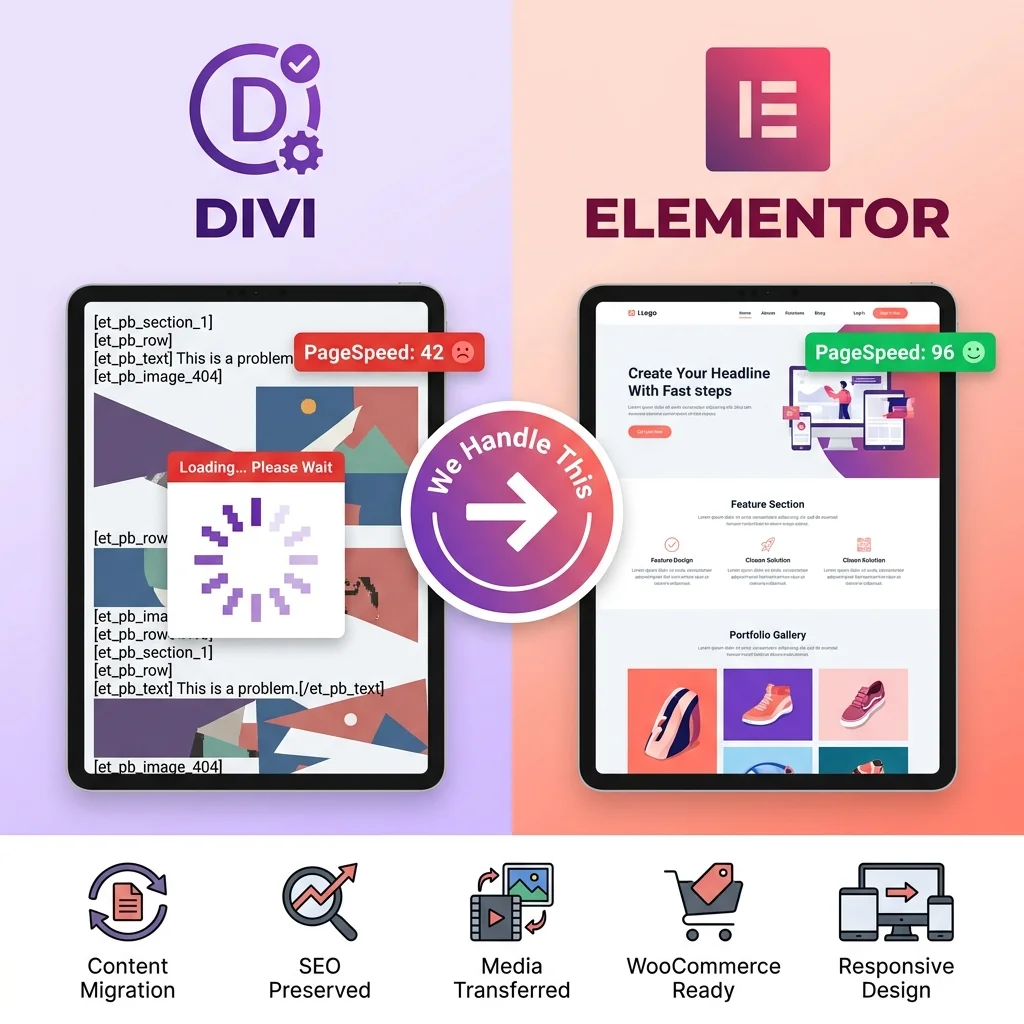
We handle everything end to end, from the initial audit to post-launch support.

We review your Divi setup, map every page template, identify third-party plugins, custom CSS, and potential issues before starting.
Every page rebuilt by hand in Elementor to match your current design exactly. No automated tools, no shortcuts, hand-built layouts.
All text, images, blog posts, custom post types, and media files transfer cleanly. Nothing gets left behind.

All leftover Divi shortcodes removed from your database. Clean, portable content with no broken [et_pb] tags anywhere.

Product pages, category archives, cart, checkout, and account pages rebuilt in Elementor with speed-first architecture.

URLs, meta titles, descriptions, heading structure, and internal links stay intact. 301 redirects set up where needed.
We help you select and configure a lightweight theme like Hello Elementor or Astra that won’t conflict or slow down your site.
Every page tested across Chrome, Firefox, Safari, Edge and on mobile, tablet, and desktop screen sizes.

We stay available after launch for questions, adjustments, or fine-tuning your new Elementor site needs.
A clear, step-by-step approach. Your live site stays untouched until the new Elementor site is ready.
Step 1
Fill out the form below with your Divi site URL and what you need. Takes 2 minutes.
Step 2
We review your Divi site: number of pages, WooCommerce, custom templates, integrations and send you a clear quote within 24 hours.
Step 3
We build everything on a staging copy. Your live website stays completely untouched during the entire migration. Zero downtime.
Step 4
Our team rebuilds every page, removes all Divi shortcodes, and migrates your content. Hand-built for clean code and fast performance.
Step 5
Cross-browser testing, mobile responsiveness, form submissions, WooCommerce flows. Everything verified before you see it.
Step 6
You review the staging site and request any changes. We revise until you’re completely satisfied.
Step 7
We push the new Elementor site live. Your visitors notice nothing except a cleaner, faster website.
When you deactivate Divi, your pages don’t just lose their styling, they break completely. Every section, row, and module turns into raw shortcode text scattered across your pages:
[et_pb_section admin_label=”Hero”]
[et_pb_row]
[et_pb_column type=”4_4″]
[et_pb_text] Your actual content is buried here [/et_pb_text]
[/et_pb_column]
[/et_pb_row]
[/et_pb_section]
Cleaning up shortcodes, choosing an Elementor-compatible theme, rebuilding every page layout, reconnecting forms and integrations that’s weeks of work if you do it yourself. One mistake and you lose content, break your SEO, or take your site down.
Get Started
Share your website details and we’ll send you a free migration plan. What we’ll do, how long it takes, and what it costs. No commitment, no lengthy sales calls. Just a clear plan in your inbox within 24 hours.
Everything you need to know about partnering with Themelocation as your white label WordPress development team.
Drop us an email at waqas@themelocation.com and we will get back to you within a few hours.
No. There is no reliable plugin that converts Divi to Elementor automatically. Divi uses shortcodes while Elementor uses a different structure, so pages must be rebuilt manually. We recreate your site in Elementor with clean, shortcode-free pages that work perfectly.
Not when done properly. We preserve your URLs, meta titles, descriptions, headings, and internal links. We also add 301 redirects if needed. Many clients see better rankings after migration because Elementor creates cleaner, faster pages that improve performance.
A standard 10–20 page website usually takes 1–2 weeks. Larger sites with WooCommerce or complex layouts may take 2–4 weeks. We provide a clear timeline before work starts and build on a staging site, so your live website stays online.
Yes. Divi is both a theme and builder, so switching to Elementor requires an Elementor-compatible theme. We recommend lightweight options like Hello Elementor or Astra. We handle theme selection and setup as part of the migration.