
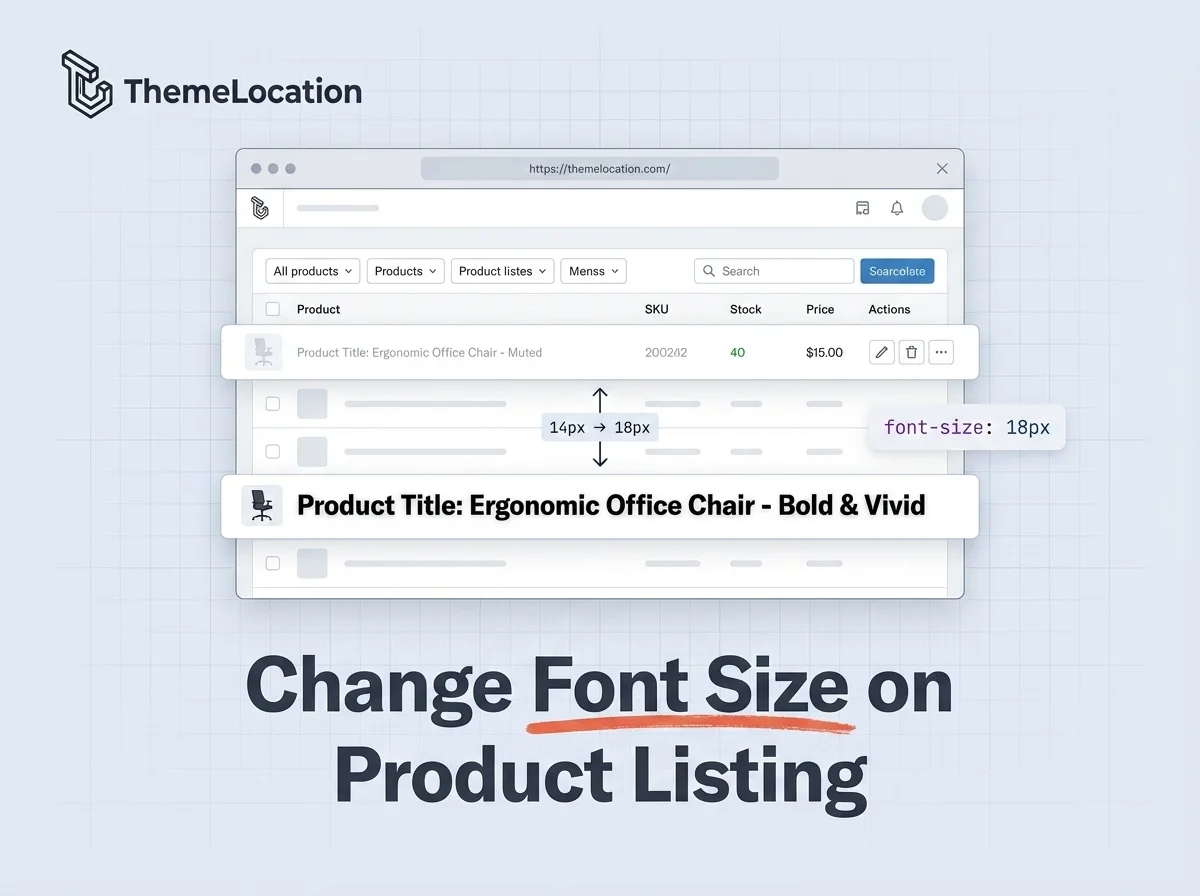
The WooCommerce admin product listing page uses a default font size of 14px for product titles. If you manage a lot of products, this can feel small and hard to scan especially on larger screens. You might want to increase it for better readability.
One approach is to edit the CSS file directly, but that has a major drawback: your changes get overwritten every time WooCommerce or WordPress is updated. In this tutorial, we’ll use a smarter, update-safe method by injecting custom CSS through your theme’s functions.php file.
The Default Product Listing Screen
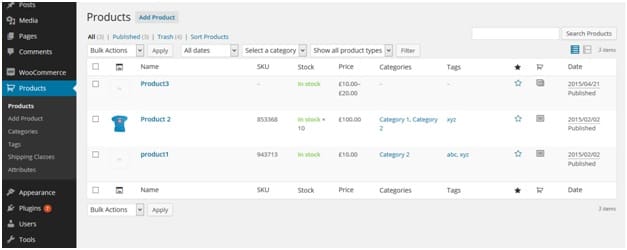
Here’s what the default WooCommerce product listing page looks like in the admin panel. Notice the product titles are displayed at the standard 14px font size:
Add the Code to Change the Font Size
To change the font size to 18px (or any size you prefer), add the following code to the end of your child theme’s functions.php file:
add_action( 'current_screen',
  'my_admin_listing_custom_styles' );

function my_admin_listing_custom_styles() {
  $current_screen = get_current_screen();

  if ( 'edit' == $current_screen->base
    && 'product' == $current_screen->post_type ) {
    ?>
    <style type="text/css">
      a.row-title {
        font-size: 18px !important;
      }
    </style>
    <?php
  }
}
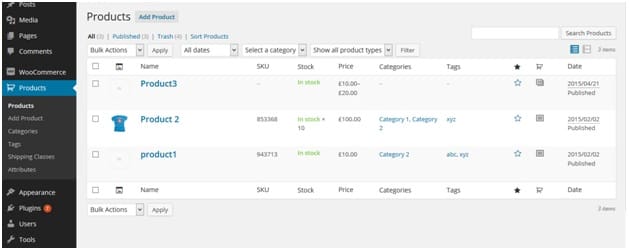
Save the file. Now go back to Products in your admin panel, and you’ll see the font size has increased:
How This Code Works
The code hooks into the current_screen action, which fires after WordPress determines which admin screen is being loaded. The function then checks two conditions: whether the screen’s base is edit (the listing page) and whether the post type is product. If both conditions are true, it injects a small block of inline CSS that overrides the font size of the a.row-title element.
Because this CSS is injected via PHP rather than editing a core file, it persists through WooCommerce and WordPress updates. You can also modify the code to change other styles on the product listing page — just add more CSS rules inside the <style> block.
Conclusion
Changing the font size on the WooCommerce admin product listing page is a quick, update-safe customization that improves readability when managing your catalog. A few lines in functions.php is all it takes, no plugin required, and no risk of losing your changes on the next update.
Frequently Asked Questions
Will this change survive WooCommerce updates?
Yes. Since the CSS is injected through functions.php rather than editing a WooCommerce core file, your changes persist through plugin and WordPress updates. Just make sure you’re using a child theme.
Does this affect the front-end product pages?
No. The code specifically targets the admin product listing screen only. It checks for the “edit” screen base and “product” post type, so front-end pages and other admin screens are completely unaffected.
Can I change the font size for other columns too?
Yes. You can add more CSS rules inside the same <style> block. For example, you can target the SKU column, price column, or category column by finding their CSS selectors using your browser’s developer tools and adding the appropriate rules.
Can I use a plugin instead of adding code?
You could use a plugin like Admin Menu Editor or Custom CSS for WP Admin, but for such a small change, a functions.php snippet is lighter and more efficient than installing a full plugin.