
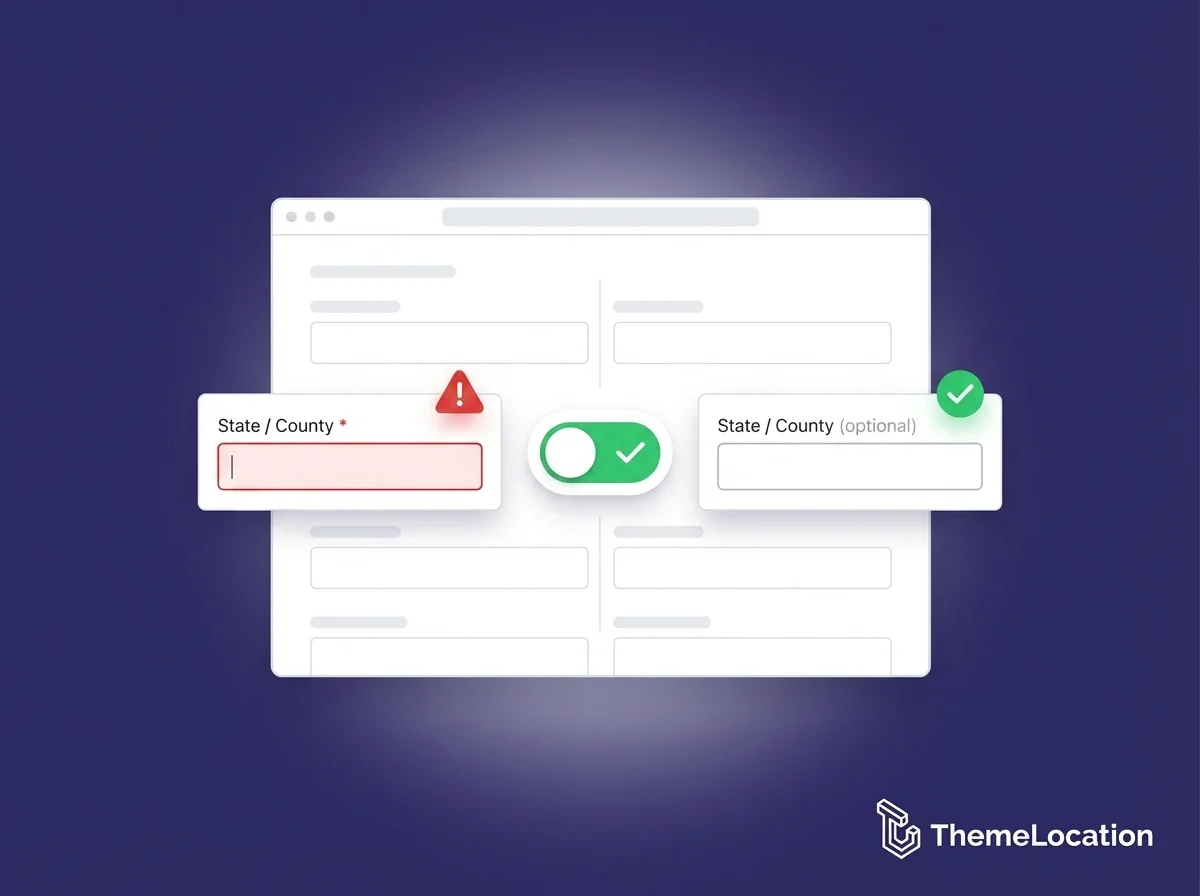
Want to make the “State” field optional on your WooCommerce checkout page? By default, WooCommerce requires the state field for both billing and shipping addresses. But for many stores especially those selling to countries where states or provinces aren’t used, this requirement frustrates customers and causes unnecessary checkout errors.
The fix is a simple PHP snippet that takes less than 2 minutes to add. No plugin needed.
Why Make the State Field Optional?
The state/county field makes sense for US-based stores where state is a required part of the address. But if your store serves customers in countries like the UK, Ireland, many parts of Europe, or across the Middle East — where addresses don’t typically include a state — requiring this field creates friction and errors at the most critical point of the customer journey: checkout.
Removing the requirement means fewer abandoned carts and a smoother experience for international customers.
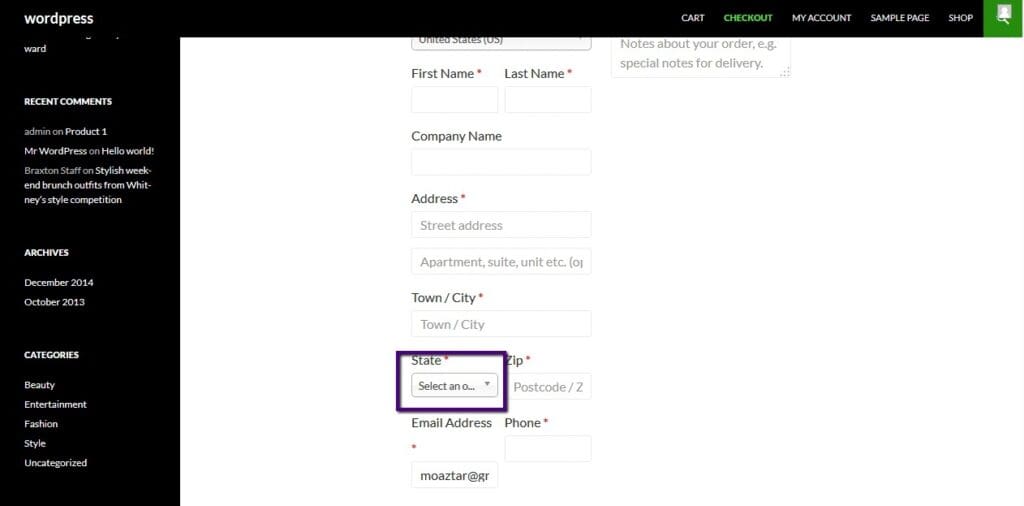
The Problem: State Field Shows as Required
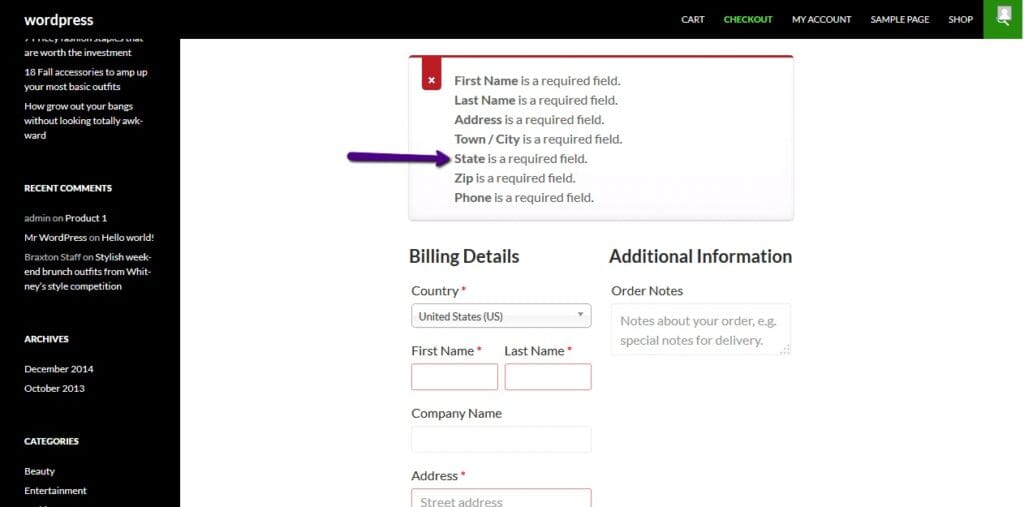
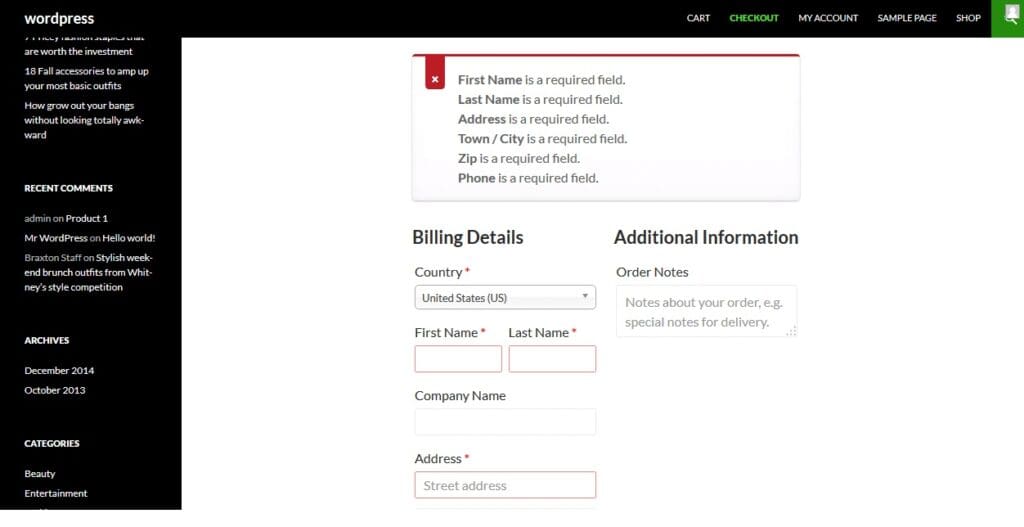
When a customer proceeds to checkout and clicks “Place Order” without filling in the State field, WooCommerce blocks the order with a validation error.
The Fix: Add the Code to functions.php
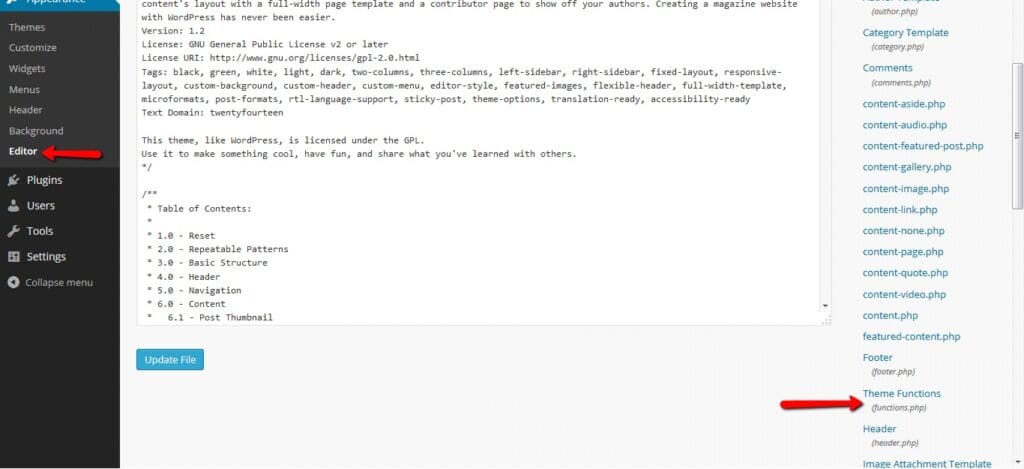
Go to your WordPress dashboard and navigate to:
Appearance > Theme Editor > Theme Functions (functions.php)
Safer alternative: Use the free Code Snippets plugin to add this code without editing any theme files — your change will survive theme updates.
Always use a child theme when editing
functions.phpdirectly — changes to a parent theme are overwritten on every theme update.
Scroll to the very end of the existing code and paste the following snippet, then click Update File:
// Make billing state field optional
add_filter( 'woocommerce_billing_fields', 'woo_filter_state_billing', 10, 1 );

function woo_filter_state_billing( $address_fields ) {
    $address_fields['billing_state']['required'] = false;
    return $address_fields;
}

// Make shipping state field optional
add_filter( 'woocommerce_shipping_fields', 'woo_filter_state_shipping', 10, 1 );

function woo_filter_state_shipping( $address_fields ) {
    $address_fields['shipping_state']['required'] = false;
    return $address_fields;
}
The Result: State Field Now Optional
After saving the file, go back to the checkout page and click “Place Order” again without filling in the State field. You’ll see that the state-related error no longer appears in the error list — the order proceeds without it.
Make Other Checkout Fields Optional the Same Way
The same approach works for any other WooCommerce billing or shipping field. Simply replace billing_state or shipping_state with the field ID you want to make optional.
Here are the most commonly adjusted field IDs:
| Field | Billing ID | Shipping ID |
|---|---|---|
| State / County | billing_state | shipping_state |
| Phone | billing_phone | — |
| Company | billing_company | shipping_company |
| Address Line 2 | billing_address_2 | shipping_address_2 |
| Postcode / ZIP | billing_postcode | shipping_postcode |
| City | billing_city | shipping_city |
To make a field required instead of optional, change false to true in the same snippet.
Wrapping Up
Making the WooCommerce checkout state field optional is a small but meaningful change for stores serving international customers — fewer validation errors, less checkout friction, and more completed orders.
To recap:
- Two simple PHP filters handle both billing and shipping state fields
- The field stays visible but becomes optional — customers aren’t blocked without it
- The same pattern works for any other WooCommerce checkout field