
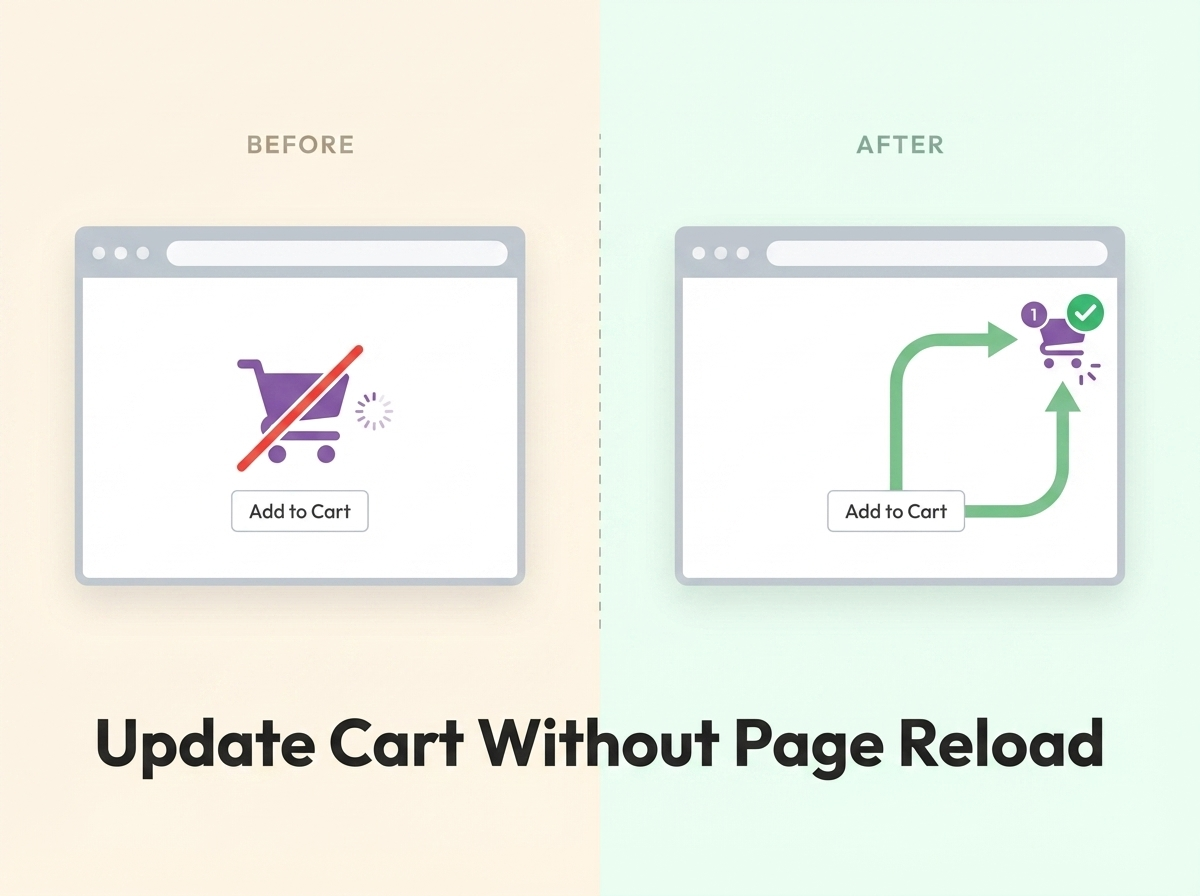
How would you feel if the page reloaded every time you added something to your cart? For most shoppers, it’s frustrating. When a customer is browsing your WooCommerce store and the cart doesn’t update dynamically, the entire buying process slows down. They’re left waiting for the page to reload before they can continue shopping.
If you want to give your visitors a smooth, modern buying experience, there’s a simple solution: use WooCommerce’s built-in AJAX cart fragments to update the cart in real time — without any page reload.
This turns the entire add-to-cart action into a seamless process. The cart counter and total update instantly, saving your customers time and keeping them engaged on your site longer. The result? Better user experience, lower bounce rates, and potentially higher conversions.
Why You Should Avoid Page Reloads on Add to Cart
Every time a page reloads, it interrupts the user’s flow. In an e-commerce context, this is especially damaging because shoppers are often browsing multiple products quickly. A full page reload on every “Add to Cart” click means longer wait times, lost scroll position, and a clunky experience that feels outdated compared to modern stores.
WooCommerce supports AJAX add-to-cart natively for simple products on archive pages, but the header cart widget (showing item count and total) often doesn’t update without a reload. The code snippet below fixes exactly that.
How It Works
WooCommerce has a built-in mechanism called cart fragments. When a product is added to the cart via AJAX, WooCommerce fires a JavaScript event and requests updated HTML fragments from the server. These fragments replace specific parts of the page (like the cart widget in the header) without reloading the entire page.
By hooking into the woocommerce_add_to_cart_fragments filter (formerly add_to_cart_fragments), you tell WooCommerce which piece of HTML to regenerate and send back after each add-to-cart action.
Step 1: Add the Cart Display Markup to Your Header
First, place the following HTML snippet in your theme’s header (typically in header.php) wherever you want the cart count and total to appear:
<span class="cart-contents">
  <a href="<?php echo wc_get_cart_url(); ?>"
     title="<?php _e('View your shopping cart', 'woothemes'); ?>">
    <?php echo sprintf(
      _n('%d item', '%d items',
      WC()->cart->get_cart_contents_count(), 'woothemes'),
      WC()->cart->get_cart_contents_count()
    ); ?> - <?php echo WC()->cart->get_cart_total(); ?>
  </a>
</span>
This creates a <span> element with the class cart-contents that displays the current item count and cart total as a clickable link to the cart page.
Step 2: Add the AJAX Fragment Function to functions.php
Now open your theme’s functions.php file (preferably in a child theme) and paste the following code:
add_filter(
  'woocommerce_add_to_cart_fragments',
  'theme_header_add_to_cart_fragment'
);

function theme_header_add_to_cart_fragment( $fragments ) {
  ob_start();
  ?>
  <span class="cart-contents">
    <a href="<?php echo wc_get_cart_url(); ?>"
       title="<?php _e('View your shopping cart',
       'woothemes'); ?>">
      <?php echo sprintf(
        _n('%d item', '%d items',
        WC()->cart->get_cart_contents_count(),
        'woothemes'),
        WC()->cart->get_cart_contents_count()
      ); ?> - <?php echo WC()->cart->get_cart_total();
      ?>
    </a>
  </span>
  <?php

  $fragments['span.cart-contents'] = ob_get_clean();

  return $fragments;
}
What This Code Does
The function hooks into WooCommerce’s AJAX cart fragment system. Here’s what happens step by step:
1. When a customer clicks “Add to Cart,” WooCommerce fires an AJAX request in the background.
2. The server processes the request and then calls all functions registered to the woocommerce_add_to_cart_fragments filter.
3. Our function generates the updated HTML for the cart counter (with the new item count and total) using output buffering.
4. It assigns this HTML to the $fragments[‘span.cart-contents’] key, which tells WooCommerce to replace the element matching that CSS selector.
5. WooCommerce’s JavaScript on the frontend receives the response and swaps out the old HTML with the new fragment — no page reload required.
Conclusion
Updating the WooCommerce cart dynamically without a page reload is a small change that makes a big difference in user experience. By leveraging WooCommerce’s built-in cart fragment system, you can keep the cart counter and total in sync with every add-to-cart action — all without writing complex JavaScript or installing additional plugins.
Just paste the snippet into your child theme’s functions.php, make sure AJAX add-to-cart is enabled in your WooCommerce settings, and your store will feel noticeably faster and more modern.
Frequently Asked Questions
Does this work with all WooCommerce themes?
It works with any theme that supports WooCommerce AJAX add-to-cart and uses the standard cart fragment system. Most well-coded WooCommerce themes support this out of the box. If your theme already has its own AJAX cart implementation, you may need to adjust the CSS selector in the fragment key to match your theme’s markup.
Will this work for variable products?
WooCommerce’s default AJAX add-to-cart only works for simple products on shop/archive pages. Variable products redirect to the single product page for selection. However, once a variable product is added to the cart (from its product page), the cart fragment will still update without a reload on the next page load.
Can I customize what’s displayed in the cart fragment?
Yes. You can modify the HTML inside the function to display anything you want — just the item count, just the total, a cart icon, or even a mini cart dropdown. The key requirement is that the outer element’s CSS selector matches the key you use in the $fragments array.
Do I need to enable AJAX add-to-cart in WooCommerce settings?
Yes. Go to WooCommerce → Settings → Products and make sure the option “Enable AJAX add to cart buttons on archives” is checked. Without this, the add-to-cart action will trigger a full page reload regardless of your code.